Raw video in Fully Edited
Video Out In Minutes
Raw video in Fully Edited Video Out In Minutes
Upload a video of yourself talking. RealTake cuts the rambling, adds animated captions, b-roll, motion graphics and sound, keeps you in the frame, and hands you a finished video for Instagram, TikTok, YouTube Shorts and LinkedIn.
Three steps to a fully edited video
You record. RealTake edits. You post.
Record and upload
Talk to your phone camera, then drop the video in. Stumbles are fine: say the line again and keep going.
Pick a style. RealTake edits it
Cuts, captions, titles, b-roll, motion graphics, camera moves and sound effects. Finished in minutes.
Post it
Post or schedule to LinkedIn, TikTok, Instagram and YouTube from RealTake, or download the 1080p file. Review it first only if you want to.
Choose a video
Drop your video here and let RealTake trim, caption and enhance it.
Customize your video
Pick a style. RealTake takes it from there to the finished video.
 Auto
Auto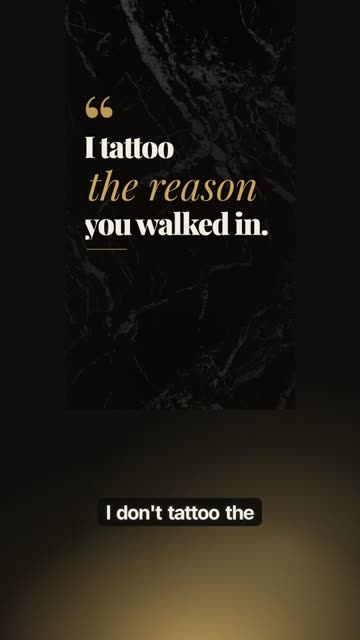 Velvet Negative✓
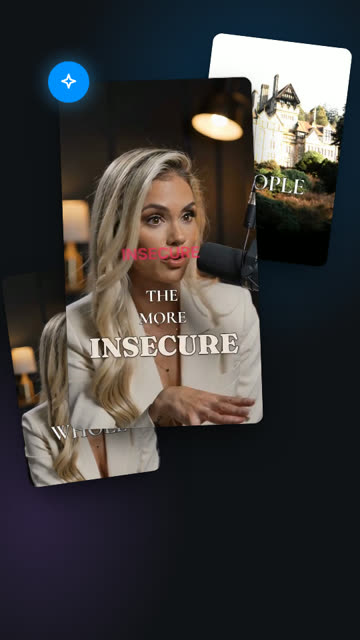
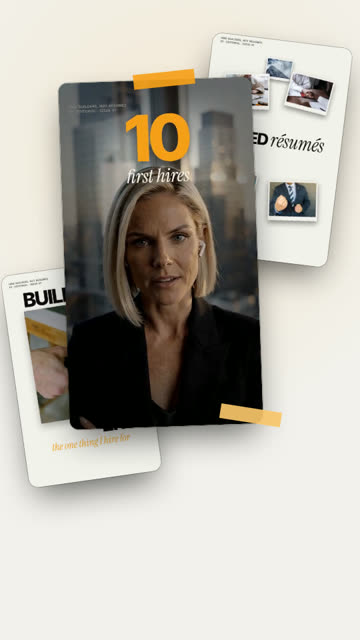 Editorial
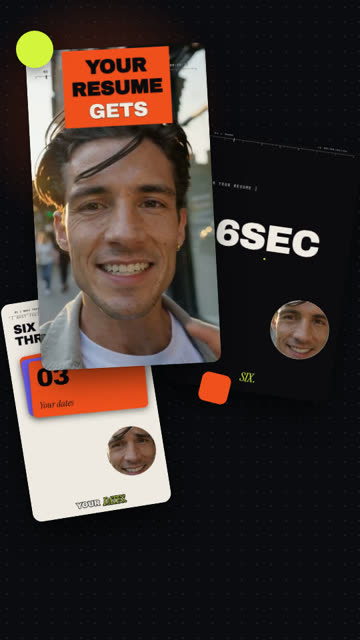 Kinetic Studio
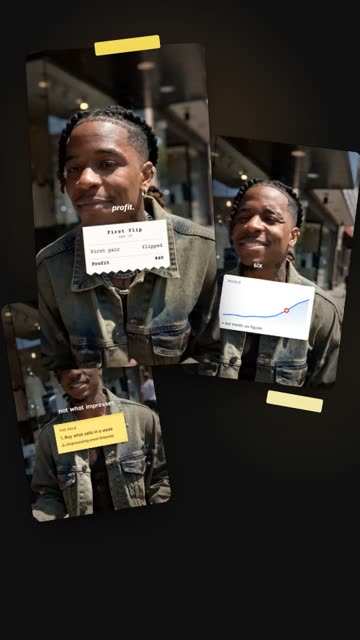 Receipts
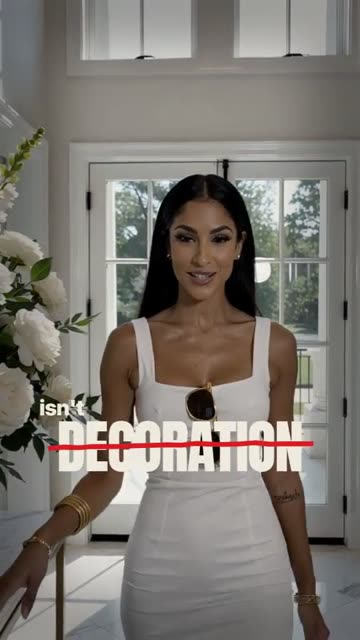 Broadsheet
Reading the roomPutting it all together
Hunting for the moments that matter, the perfect b-roll, camera moves in your video.Fusing captions, b-roll, effects, sound into your final cut.
Screening footage for tattoo artist at work
 ✓
✓
 ✓
✓Thinking out loud
Your video is ready
Velvet Negative · every edit, as it happens
- Ink-reveal transition
- Hook title over b-roll
- Word-by-word captions
- Punch-in
- Accent word
- Transition
- Quote motion graphic
of editing you didn't have to do
That's 2 movie nights, back.
- CC24Captions
- T1Hooks & titles
- ✦1Motion graphics
- ▣3B-roll
- ◎2Reframes
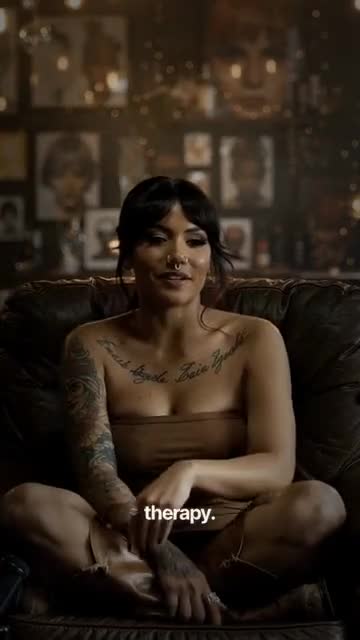
“A warm, honest take on why people really get tattoos
The raw video, and what RealTake made of it
Nothing changed by hand. Tap either video for sound.
One choice sets the whole look
Captions, titles, graphics, camera moves and sound all follow the style you pick. Or choose Auto and RealTake picks for each video.
Moody and editorial: gold serif quotes on dark marble, ink-style reveals and quiet captions. For personal stories, craft and premium brands.
Long episode in. Finished clips out.
Drop in a full podcast episode or long video. RealTake finds the moments worth posting and turns each one into a finished clip, with the speakers framed and captions on.
Multi-camera, synced for you
Drop every person’s camera and mic file at once. RealTake lines them up by their audio. No clapper, no manual syncing.
A camera that follows the conversation
Auto layout cuts to whoever is talking, ignores the quick “mm-hm”s, and shows both people when they talk over each other.
Clips that keep the punchline
The setup and the payoff stay together. Every clip starts on a strong line, never ends on the next question, and comes with the reason it works.
Ask for what you know is in there
Type “find more about pricing” or “the funny bits” and get more moments from the same episode. Nothing is uploaded again.
Finished clips, not raw cuts
Every clip gets the full RealTake edit: animated captions, b-roll, titles, your style, and posting to your socials.
Pay for the clips you keep
Finding moments is included in your plan. You spend credits only on the clips you make, never on the 30 you skip.
Upload files or paste a Google Drive or Dropbox link. Episodes up to 3 hours on paid plans, clips up to 2 minutes, in 9:16, 4:5, 1:1 or 16:9.
Upload your b-roll once. Never chase it again.
Every clip you upload goes into your library, indexed by what is in it. When you mention something you have footage of, RealTake finds the clip and places it on the line. Your library grows with every upload, and it is there for every video after.


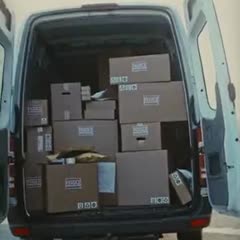
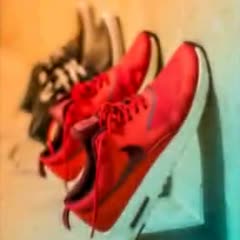
- Indexed on upload. Every clip is tagged by what is in it. No folders, no file names to remember.
- Placed for you. Mention it, and the right clip lands on the line, in every video you make.
- Stock and AI when you need more. Licensed stock and AI generation fill the gaps your library does not cover.
Effects you could not shoot, made from footage you already have
The latest AI video models, run on your own recording. Still you, still lip-synced.
HyperHook
Turns your first two seconds into a scroll-stopper, built from your own footage. 8 styles to pick from.
Reimagine
Pick any moment and describe the change: a new background, 3D text, an effect. You stay lip-synced.
The latest AI models, in one place
Need a shot you don’t have? Generate it inside your edit. No extra subscriptions, no exporting a first frame to another tool and back. Generation is optional, uses AI credits, and nothing is generated until you say so.
Model names are trademarks of their owners. RealTake is not affiliated with or endorsed by them.
Shot on your phone. Finished on your phone.
Upload from your camera roll and post from the same phone. Nothing to install.
Everything a good editor would do
Each one is automatic, and each one is editable. Tap any feature to see it in action.
Smart cuts
Stumbles, pauses and retakes removed.
See it →Animated captions
Word by word, key words emphasised.
See it →Hooks and titles
A reason to keep watching in second one.
See it →Motion graphics
Numbers and lists become visuals.
See it →Automatic b-roll
Cutaways that match what you say.
See it →Styles
One choice sets the whole look.
See it →Auto-reframe
Camera moves that keep you in frame.
See it →Sound effects and music
Hits on the visuals, music under speech.
See it →Full editor
Change anything, only if you want to.
See it →Posting
LinkedIn, TikTok, Instagram and YouTube, now or scheduled.
See it →Priced by how often you post
Every plan has every feature. Paid plans add full editing strength and tight pacing. The only difference between plans is how many finished videos you get a month.
For posting every week.
- Around 16–32 finished videos a month
- No watermark
- Your library, kept forever
- Full editing strength and tight pacing
- Up to ~100 AI-Generated Assets
- 10 GB footage library
For teams and agencies running client volume.
- Around 107–213 finished videos a month
- Everything in Authority
- Up to ~560 AI-Generated Assets
- 100 GB footage library
About two dollars a finished video. A freelance editor typically charges $50 to $150 for one.
Starter — $0
Up to 5 finished videos a month · smart cuts at low strength · up to ~12 AI-Generated Assets · 2 GB footage library · RealTake watermark · library kept 90 days
Finished videos, straight out of RealTake
Different people, different styles, no manual editing.
How RealTake is different
Editing apps hand you the tools. Clipping tools find moments in a long recording. RealTake starts from the video you just filmed and does the whole edit.
| RealTake | Editing apps | Clipping tools | Hiring an editor | |
|---|---|---|---|---|
| Starts from | A video of you talking | A blank timeline | A long recording | Your footage and a brief |
| Who makes the edit decisions | RealTake, with your review | You | The tool, for clip selection | The editor |
| Removes stumbles, repeats and dead air | Yes, automatically | By hand | Partly | Yes |
| Animated captions | Yes | With a template | Yes | Yes |
| B-roll, titles, motion graphics, sound | Yes, placed for you | By hand | Some b-roll | Yes |
| Time per video | Minutes | Hours | Minutes, plus fixes | Days |
Anyone with something to say on camera
FAQs
What is RealTake?
Do I need to know anything about video editing?
What can I upload?
How long does it take?
What does RealTake cost?
Can I record a video with mistakes in it?
What if I do not like an edit?
Can I post directly from RealTake?
Where does my footage go, and who owns the videos?
Can someone on my team run it for me?
Your next video is already on your phone.
Upload it and see it fully edited in minutes.
See your first video — freeFree plan: 5 watermarked videos a month · no credit card