Let people meet you before the first session, without a camera crew or an editor
A profile says where you trained. A thirty-second video shows how you speak, which is what someone deciding whether to book actually wants to know. RealTake turns one unpolished recording into a finished, quiet, captioned video, and you approve every word before it goes anywhere.
RealTake is the AI for short form video that therapists use to post a calm, finished video every week without performing for the camera, learning an editor or losing an evening to it.
- Record once, restarts and allSmart cuts keep the best delivery of each sentence and remove the pauses, repeats and third attempts.
- Quiet, readable, finishedWord-level captions, a title on screen, soft camera moves and sound, in a style that fits a practice rather than a creator.
- You approve first, then it postsReview every word in the Studio. Then post or schedule to Instagram, LinkedIn, TikTok and YouTube from RealTake.
You review before anything posts, and you can download the finished file for whatever review your practice requires.
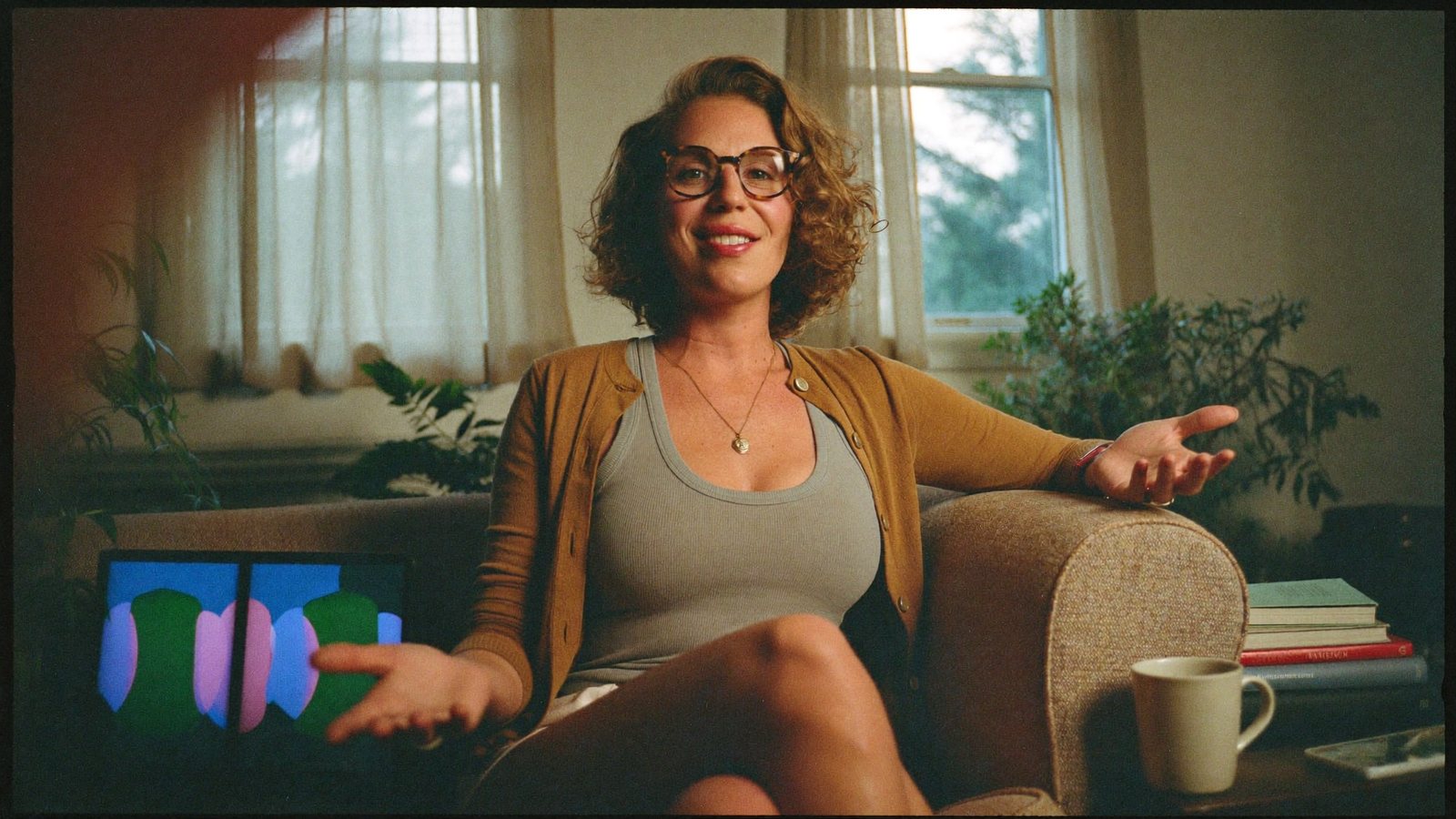
Recorded between the 2 o'clock and the 3 o'clock. Posted after notes.
The therapist whose profile is full and whose video is empty
A private-practice therapist, counsellor or psychologist who fills the caseload through referrals and directory listings, and knows that the people who book are the ones who already feel they know you.
Back-to-back sessions, notes, a cancellation, a consult call, intake paperwork. Video has been on the list for months. The recording is quick; what stops you is the restart on the third sentence and the editing that has to come after.
People choose a therapist on how you talk, not what you list. A short, calm video of you explaining how a first session works does more than a paragraph can, and it answers the question before they have to send the email.
What has been stopping you
Four things therapists tell us, in roughly this order.
“I got three sentences in and started over. Four times.”
You are not a performer, and nobody should expect you to be. The third restart is where most attempts end, and the raw file never gets opened again.
“Everything I see online is loud. That is not my practice.”
Flashing captions and zooms read as a creator's feed. You need something quiet, legible and warm that still holds attention.
“I cannot post anything I have not read word for word.”
Nothing goes out without your eyes on it. That rules out any tool that auto-publishes, and it makes the editing step one more thing you have to do yourself.
“I have forty minutes a week for marketing, and this is not it.”
Between sessions and notes, an evening in an editor is not available. The video has to come back finished.
One quiet recording in. A finished video out, approved by you.
Talk the way you talk in a session
Record straight through on your phone in your own room. When a sentence comes out wrong, say it again and keep going. Nothing to install, nothing to learn.
Keeps the best delivery of every sentence
Smart cuts remove the pauses, repeats and false starts and keep the version where you got it right. Every cut is labeled with its reason and can be reversed.
A style that fits a practice
RealTake's styles are built from formats working on social this week, and several of them are quiet: editorial type, soft moves, restrained sound. You pick one, and it sets captions, titles and graphics for the whole video.
Readable with the sound off
Word-level captions emphasise the words that carry each sentence, in 29 presets with every word editable. A title written from what you said sits on screen in the first second. Camera moves are gentle and always keep you in the frame.
Nothing posts without you
Turn on review and every video waits in the Studio: one screen, every caption and title, change any word, press Continue. Then post or schedule to Instagram, LinkedIn, TikTok and YouTube, or download the file.
Editor's notes with every video
Each finished video comes with a plain breakdown: what was changed, the time it saved, a score for hook, content and pacing, and one thing to try next time. You learn the craft without studying it.
Record now, it comes back finished
Rendering runs in the cloud while you are in your next session. Upload from the phone you recorded on, approve from the same phone after notes.
B-roll from your own room
Film your office, the waiting area, the walk to the door, once. Those clips are indexed by what is in them and placed when you mention them. Licensed stock and AI-generated visuals fill any gaps, approved before they run.
Say the sentence twice. Keep the better one.
You do not need a clean take. Talk through the whole thing, repeat a line when it comes out wrong, pause to think. RealTake keeps the best delivery of each line and removes the rest, along with filler and dead air.
- Every cut labeled with its reason, every cut reversible
- Editing strength from low to high, so a restrained edit stays restrained
- Tight pacing as a slider, from natural to brisk
What to film this week
Six videos a therapist can record in one sitting, none of them clinical advice, all of them the questions people have before they book.
What a first session actually looks like
How it starts, what you ask, how long it runs, what happens at the end. The single most-searched question about any therapist.
How to tell whether a therapist is a good fit
What to notice in a first conversation, with you or with anyone. Useful, generous, and it positions you as the person who says it out loud.
Three myths about going to therapy
Pick the ones you hear most and answer them plainly. Lists become on-screen trackers.
How I think about fees and cancellations
What you charge for and how payment works, in the words you would use on a call. It saves the awkward email.
In person or online: how I run sessions
Where you meet people, what each format involves, how people tend to choose. Film the room you actually use.
The question people ask most before booking
Scheduling, session length, how to reach you. Answer it once, on camera, and send the link.
Calm on the outside, edited underneath
Cuts, quiet captions, a title, gentle camera moves and sound on every one, in a style you choose once.
How a therapist uses it
Record
One take on your phone, in your own room, after your last session. Pauses and restarts are fine.
Upload
From the same phone, in the browser. No app to install.
Review in the Studio
Read every caption and title. Change any word. Press Continue.
Post or schedule
Instagram, LinkedIn, TikTok and YouTube from RealTake, or download the file for your own review process.
Record one after your last session today.
Free plan: 5 watermarked videos a month. No credit card.
Which plan a practice needs
A handful of videos is often all a practice needs to start, so Starter may be enough: free, up to 5 watermarked videos a month, no card. Presence at $49 a month, or $29 billed yearly, removes the watermark and covers around 16 to 32 finished videos, which is a video every working day if you want it. Every plan has every feature, you see the cost of a video before it is made, failed renders are never charged, and you get an email before any renewal. Full details on the pricing page.
FAQs
What is the best AI tool for short form video for therapists?
I am not comfortable on camera. Do I need a perfect take?
Can I keep the video plain, without effects?
Does RealTake post anything without me seeing it?
Is the video actually me, or an AI avatar?
Related
Coaches & consultants
AI for short form video for coaches and consultants: record the answer from your last call, get it back fully edited in minutes, post it where clients look.
Read →The Studio
The RealTake Studio shows the whole AI edit on one screen. Restore cuts, fix captions, swap b-roll, move any element, then press Continue to render.
Read →Best HeyGen alternative
HeyGen alternative: RealTake edits real video of you into a finished short form video and posts it. No avatar, no label, no re-render fee. Checked Oct 28, 2026.
Read →The next person who books will have watched you first.
Record one take today. It comes back finished.
See your first video — freeFree plan: 5 watermarked videos a month · no credit card