Every episode, cut into finished clips that post themselves
You already record the best content you will ever make. It sits in an hour-long file that three people watch to the end. RealTake Clips reads the whole episode, finds the moments worth posting with a reason for each, lets you pick or clip your own, and hands back finished clips that go out to LinkedIn, TikTok, Instagram and YouTube from one place.
RealTake is the AI for short form video that podcasters use to turn one episode into a week of finished, posted clips without a clipping tool, an editor or a timeline.
- Moments with reasonsThe setup and the payoff kept together, starting on a strong line, never ending on the other person's question. No virality score, on purpose.
- Pick, trim or clip your ownWatch any moment in one click, drag the edges, make your own from the transcript, ask for more on a topic.
- Finished, framed, postedMultiple cameras synced by audio, a layout that follows the conversation, captions and b-roll on, scheduled to four platforms.
Finding moments is covered by your plan. Credits are spent only on the clips you make.
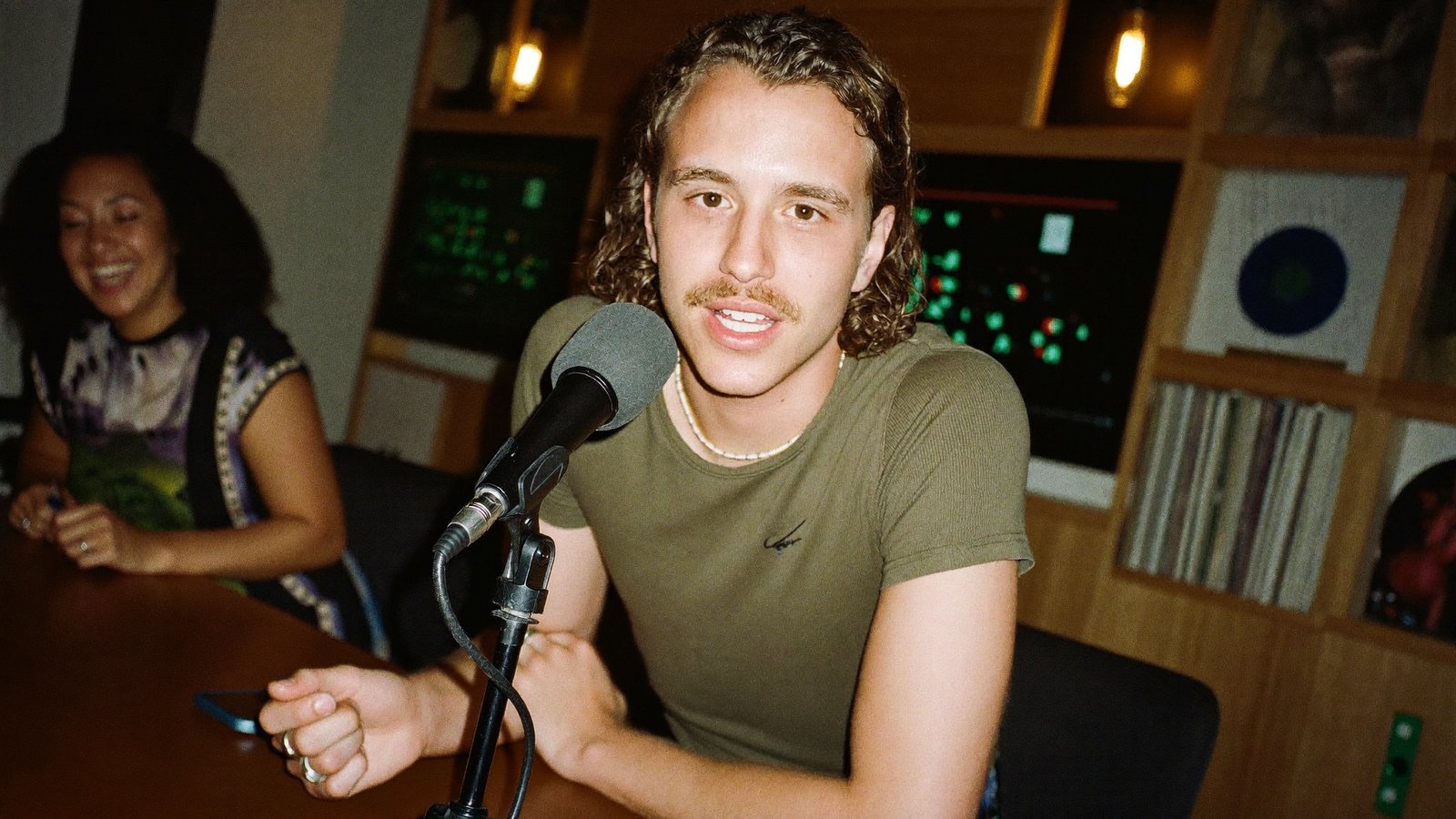
Recorded Tuesday. Twelve clips scheduled by Tuesday night.
The host with a back catalogue nobody is clipping
A podcast host, interviewer or co-host recording weekly, one camera and mic per person or on a call with separate tracks, who knows the show would grow if the clips went out and has watched three clipping tools hand back cuts that still needed an editor.
Book the guest, prep, record, publish the full episode, promise yourself the clips. The clipping tool picks the wrong moments, the split screen misses the guest, and the export still needs captions, a title and a trim before anyone would post it.
Clips are how new listeners find the show. The episode is the product; the clips are the distribution. The hosts who post six a week get the guests who bring their audience with them.
What has been stopping you
Four things podcasters tell us, in roughly this order.
“It picks clips. It does not pick the best clips.”
The moment everyone in the room reacted to is not in the list. The one that is cuts off before the payoff, or ends on your co-host's next question.
“The split screen keeps missing the guest.”
Two people, two cameras, and the layout shows the wrong one, or stretches one, or cuts to the guest for a half-second “mm-hm”.
“Every clip still needs an editor before it is postable.”
Reframed cuts with a caption bar are not finished clips. Title, style, b-roll, sound and a trim are still ahead of you, in another tool.
“I paid for ninety minutes of credits to keep four clips.”
Charged on upload, whether or not anything is usable. The credits expire; the clips did not get made.
The episode goes in. A week of finished clips comes out.
Moments that stand on their own
RealTake reads the whole episode and proposes clips that keep the setup and the payoff together, start on a strong line, and never end on the other person's question. Each one carries a title and a one-line reason it works. There is no virality score, on purpose.
Or clip it yourself
Watch any moment in one click, trim by dragging the edges, make your own clip from the timeline, or on a phone by tapping the first and last line of the transcript. Type “find more about pricing” and get more moments from the same transcript, nothing re-uploaded.
Multiple cameras, synced for you
Drop every person's camera and mic file at once. They are lined up by their audio, no clapper. When one mic picks up the other person's voice, that leaked voice is removed, so a line is never credited to the wrong person.
A layout that follows the conversation
Auto layout cuts to whoever is talking, ignores the quick “yeah”s, and shows both people when they talk over each other. Choose Active speaker, Split screen or Fit, in 9:16, 4:5, 1:1 or 16:9.
Every clip is a full RealTake edit
Animated captions, a title on screen in the first second, b-roll, 200+ motion graphics for the numbers and lists you say, sound, and a style built from the formats working on social this week. Open the Studio only if you want to change something.
Posted or scheduled from the same screen
LinkedIn, TikTok, Instagram and YouTube from RealTake. Make the whole batch in one look, then schedule the week.
Pay for the clips you keep
Finding moments is covered by your plan's source minutes: 60 on Starter, 600 on Presence, 1,500 on Authority, 4,000 on Empire. Credits are spent only on the clips you choose to make, and you see the cost before anything renders.
Bring the recording however you have it
Upload files up to 20 GB each or paste a Google Drive or Dropbox link. Episodes up to 3 hours on paid plans, clips up to 2 minutes. You can leave while it works; you get an email when the moments are ready.
The solo intro and the outro are videos too
Your cold open, your recap, your take on the guest's best line: record them straight to camera on your phone and RealTake finishes each one like any other video, with cuts, captions, a hook from your own footage and sound.
- AI hooks built from your face, voice and words, 8 opener styles
- Smart cuts keep the best delivery of each line
- Same style as the episode clips, so the feed reads as one show
What to film this week
Six clips to pull from every episode, and two to record yourself. Each one earns the scroll-stop.
The guest's most-disagreed-with line
The claim that made your co-host push back. Moments with reasons find these; clip the setup and the pushback together.
The story with a turn at the end
A real anecdote with a beginning, a twist and a landing. Clips that keep the punchline.
The number nobody expected
A figure the guest dropped that changed the room. Counters and charts make it a visual.
The question you ask every guest
Your signature question and this week's answer. A series your audience learns to wait for.
Your cold open, recorded on your phone
Thirty seconds on why this episode matters, straight to camera, finished with a hook from your own footage.
The behind-the-scenes take
Film the studio, the guest arriving, the mic check. B-roll from your own library, placed when you mention it.
One episode, finished six ways
Cuts, captions, title, b-roll, graphics and sound on every clip, speakers framed, in the show's style.
How a podcaster uses it
Bring the episode
Upload every camera and mic file, or paste a Drive or Dropbox link. Up to 3 hours.
Pick the moments
Proposed with a reason each. Trim, make your own from the transcript, ask for more on a topic.
Make them all at once
Every clip goes through the full edit in one style. Open the Studio only if you want to change something.
Schedule the week
LinkedIn, TikTok, Instagram and YouTube from RealTake, or download the files.
Drop in your last episode and see the moments.
Free plan: 5 watermarked videos a month. No credit card.
Which plan a podcaster needs
A weekly show fits Presence at $49 a month, or $29 billed yearly: 600 source minutes a month for finding moments, around 16 to 32 finished clips, episodes up to 3 hours. Two shows or a daily, or a long back catalogue to work through, fits Authority at $99, or $59 billed yearly: 1,500 source minutes and around 38 to 76 finished clips. Every plan has every feature, you see the cost of a clip before it is made, failed renders are never charged, and you get an email before any renewal. Full details on the pricing page.
FAQs
What is the best AI tool for short form video for podcasters?
Does it work with two cameras and separate mic tracks?
Can I choose the clips myself?
How long can an episode be?
Do the clips need editing afterwards?
Related
For podcasters
Best AI short form video tool for podcasters: RealTake, a raw phone video finished and posted in minutes. Why other tools fall short, Oct 2026.
Read →Best Opus Clip alternative
Looking for an Opus Clip alternative? RealTake finishes every clip, lets you clip manually, and charges only for the clips you keep. Checked Oct 28, 2026.
Read →Riverside Magic Clips alternative
Looking for a Riverside Magic Clips alternative? Record anywhere, bring the episode, and RealTake clips it properly: finished and posted. Checked Oct 28, 2026.
Read →Your last episode is already recorded.
Drop it in and see the moments, free.
See your first video — freeFree plan: 5 watermarked videos a month · no credit card