Clips on the speaker's socials before they leave the stage
Most event video arrives three weeks after the event, when nobody is talking about it. RealTake Live records speakers as they talk, finishes clips within minutes, and posts them to the speaker's and the event's socials while the room is still full. Then Clips turns the full session recording into a month of content.
RealTake is the AI for short form video that events use to put finished speaker clips on social during the session, and to turn every full recording into finished clips afterwards.
- During the sessionSpeakers recorded as they talk. Clips finished within minutes. Posted to the speaker's and the event's socials before the session ends.
- No editing team on siteThe cut, captions, titles, graphics and sound are done by RealTake. Your team picks what posts.
- After the eventDrop the full session recordings into Clips: moments with reasons, speakers framed, finished clips scheduled for the weeks after.
Done at a live event. Everything the speaker sees is reviewed by your team before it posts.
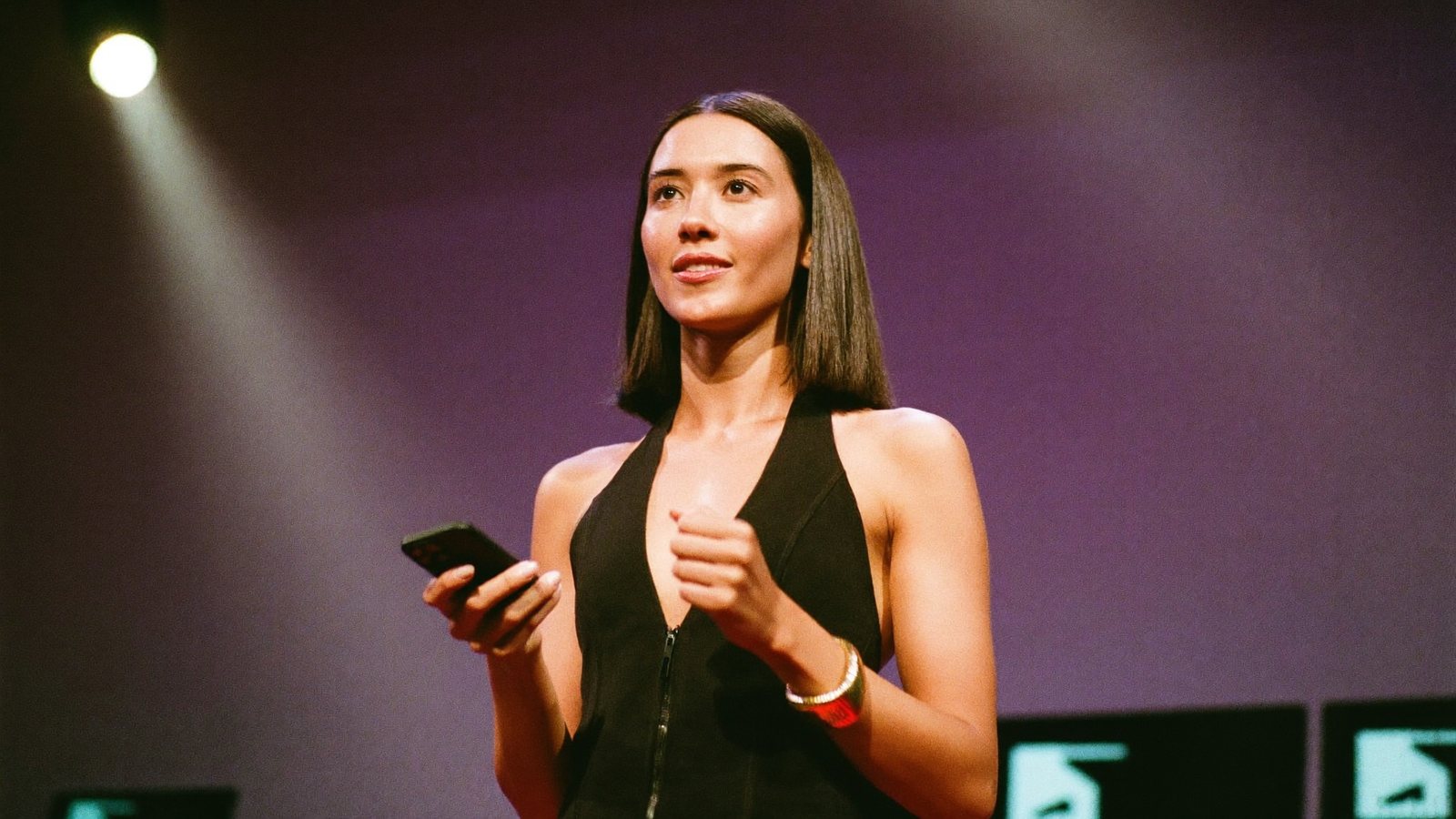
She finished the point at 10:42. It was on her LinkedIn at 10:51.
The event whose best moments arrive after everyone has gone home
A conference organiser, community host, event marketer or sponsorship lead running talks, panels and workshops, with speakers who want reach and sponsors who want proof.
Registration, run of show, a speaker who is late, a sponsor asking for the deliverables. The videographer's edit comes in three weeks, by which time the feed has moved on and the speakers have stopped reposting.
A speaker who sees their clip before leaving the stage reposts it. That is reach the event does not pay for, sponsor proof on the same day, and the reason people register for the next one.
What has been stopping you
Four things event teams tell us, in roughly this order.
“The recap video lands three weeks later. Nobody shares it.”
By the time the edit arrives the conversation is over. Speakers have moved on, sponsors have filed their report, and the next event is the one people are talking about.
“We cannot bring an editing team on site.”
A live edit desk means hardware, people and a budget line the event does not have. So the footage goes home on a drive.
“Sponsors want proof the same day.”
A branded moment that posts during the event is a deliverable. One that posts next month is an apology.
“We have forty hours of session recordings and no one to cut them.”
The archive is the most valuable content the event owns, and it sits in a folder.
Recorded live. Finished in minutes. On the speaker's feed before the applause.
Record the speaker as they talk
A phone on a tripod, or the event's own camera feed. Upload from the phone it was recorded on, in the browser, from the back of the room. Nothing to install.
Finished within minutes
RealTake cuts the ramble, captions every word, puts the speaker's point on screen as a title, adds b-roll, motion graphics for every figure and sound. Rendering runs in the cloud. Your team sees it in the Studio, presses Continue, and it posts.
Your team chooses, RealTake edits
One person with a phone and a laptop runs it. Turn on review so every clip waits in the Studio for a yes. Change a caption, swap a shot, press Continue. Changes before render cost nothing.
Posted to the speaker's and the event's socials
LinkedIn, TikTok, Instagram and YouTube from RealTake, now or scheduled. The speaker reposts it while they are still on stage adjacent.
The branded moment, same day
A sponsor mention becomes a finished clip in the event's brand kit, posted during the event. Projects keep each sponsor's and each speaker's clips separate.
Editor's notes with every clip
Each finished clip comes with what was changed, time saved and a score for hook, content and pacing. Forward it with the deliverables.
Clips turns the archive into a month of content
Drop every session recording into Clips, up to 3 hours each, from an upload or a Drive or Dropbox link. Multiple cameras are synced by their audio. RealTake proposes the moments with a plain-English reason for each, you pick or clip your own, and every clip goes through the full edit and out to social.
Pay for the clips you keep
Finding moments is covered by your plan's source minutes. Credits are spent only on the clips you make.
Every session, cut into the clips worth posting
Drop in the full recording. RealTake finds the moments that stand on their own, with the setup and the payoff together, and says why each one works. Watch any moment in one click, trim it, make your own from the transcript, or ask for more on a topic.
- Multiple cameras synced by audio, layout that follows the conversation
- Moments with reasons, not a virality score
- Every clip fully edited, then posted or scheduled
What to film this week
Six clips an event can have on social before the day ends. Each one is a reason someone who did not attend wishes they had.
The one line the room reacted to
The point that got the laugh or the nod. Title on screen in the first second, posted while the session is still on.
The speaker's three takeaways
Ask each speaker for three sentences at the side of the stage. Spoken lists become on-screen trackers.
The sponsor moment
The mention, the demo table, the branded intro. Finished in the event's brand kit, posted the same hour.
A question from the audience, answered
The Q&A is where the honest content is. Clip the question and the answer together.
Two speakers disagreeing
A panel moment with a real turn in it. Moments with reasons find exactly these.
The hallway interview
Thirty seconds with an attendee on why they came. Record on a phone, upload from the same phone.
What posted while the session was still running
Cuts, captions, title, b-roll, graphics and sound on every clip, in the event's style, reviewed by your team before it went out.
How RealTake Live runs on the day
Record
A phone on a tripod or the event's camera feed. One person at the back of the room.
Upload during the session
From the phone, in the browser. The clip is edited while the speaker is still talking.
Review and press Continue
Every clip waits in the Studio for your team's yes. Fix a caption, swap a shot, approve.
Post to the speaker's and the event's socials
LinkedIn, TikTok, Instagram and YouTube from RealTake. Afterwards, drop the full recordings into Clips.
Bring RealTake Live to your next event.
Free plan: 5 watermarked videos a month. No credit card.
Which plan an event needs
A one-day event with a handful of speakers fits Authority at $99 a month, or $59 billed yearly: around 38 to 76 finished videos and 1,500 source minutes for Clips. A multi-day conference with sponsors and an archive to cut fits Empire at $249, or $149 billed yearly: around 107 to 213 finished videos and 4,000 source minutes. Every plan has every feature; you see the cost of a video before it is made; failed renders are never charged; you get an email before any renewal. Full details on the pricing page.
FAQs
How fast are clips posted at a live event?
Who approves what gets posted?
Which platforms can clips be posted to?
Can clips match the event's branding?
What happens to the full session recordings afterwards?
Related
Podcasters
AI for short form video for podcasters: drop in the episode, get finished clips with speakers framed and captions on, pick the moments, post from one place.
Read →Best AI clipping tool 2026
Best AI clipping tool in 2026? Opus Clip, Vizard, Munch and Riverside hand you cuts you still have to edit. RealTake hands you finished, posted clips.
Read →The Studio
The RealTake Studio shows the whole AI edit on one screen. Restore cuts, fix captions, swap b-roll, move any element, then press Continue to render.
Read →The best moment of your event should post during your event.
See how RealTake Live runs on the day.
See your first video — freeFree plan: 5 watermarked videos a month · no credit card