An hour in an editing timeline is an hour not billed
Attorneys are good at the hard part of video: explaining something complicated to a person hearing it for the first time. RealTake handles everything after the recording, waits for your review if you want it to, and posts the finished video where potential clients are already looking.
RealTake is the AI for short form video that attorneys and small firms use to publish finished, reviewed videos about how a matter works, without an editor, a timeline or a billable hour lost to it.
- Record it across the deskTwo minutes on your phone, the way you would explain it to a client. Smart cuts keep the best delivery and remove the retakes.
- Every term correct, every cut reversibleWord-level captions, every word editable before render. Every cut labeled with its reason and reversible in the Studio.
- Review, then postNothing posts until you say so. Then LinkedIn, Instagram, TikTok and YouTube from RealTake, now or scheduled.
Works in your phone's browser. Nothing to install.
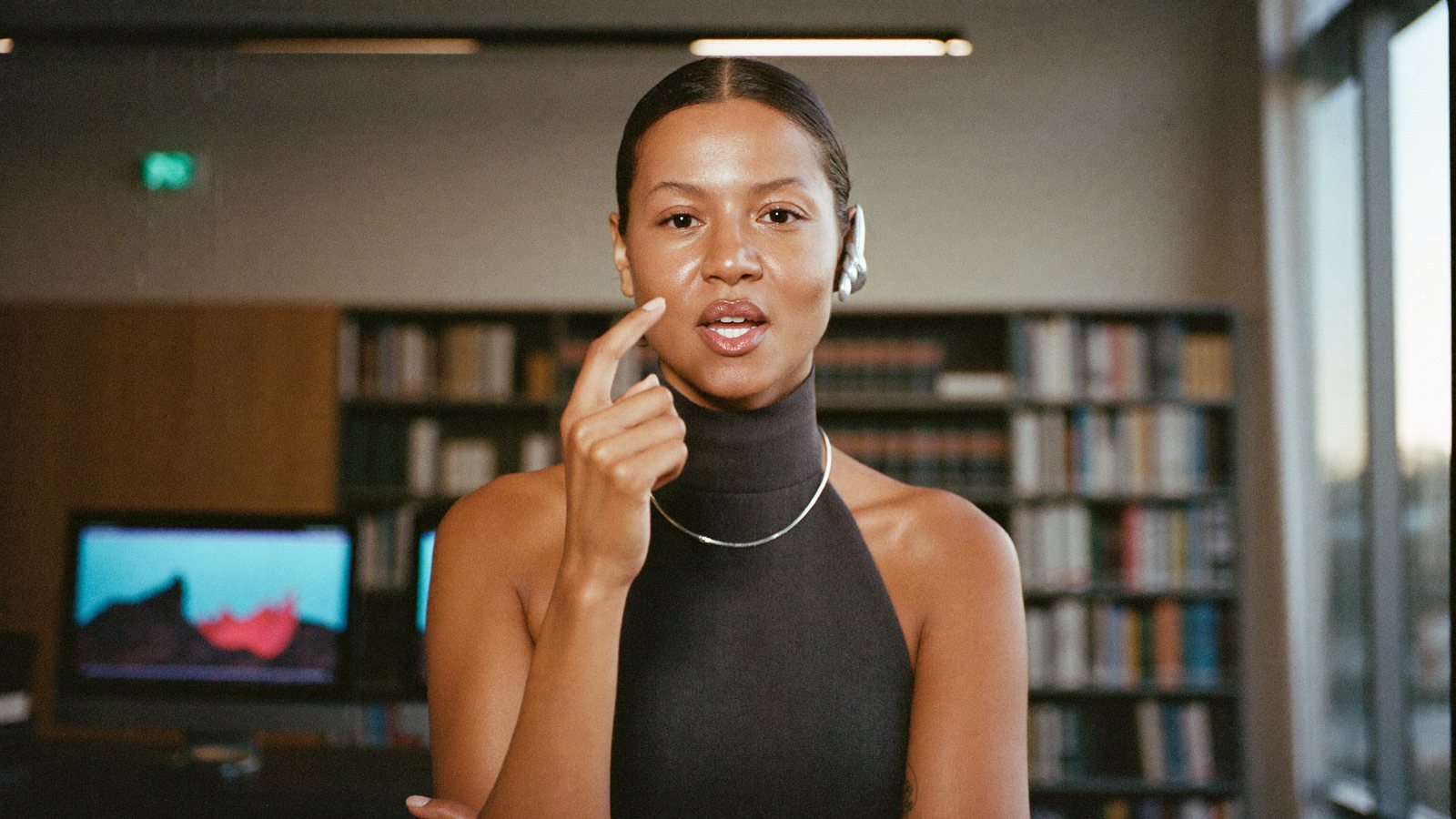
Recorded between consultations. Reviewed by the firm. Posted.
The attorney who explains it perfectly in the room and never online
A solo practitioner or a partner at a small firm whose new matters come from referrals and from people who found three lawyers online and called the one who seemed to understand their situation.
Consultations, filings, court, client calls, and a firm that reviews every public word. You answer the same five questions every week across a desk. Online, there is a headshot and a practice-area list.
People hire the lawyer who already explained it to them. A short video on what to bring to a first consultation does more for intake than the next paid ad, and it works at 11pm when people actually search.
What has been stopping you
Four things attorneys tell us, in roughly this order.
“I will not post anything I have not reviewed word for word.”
A caption that gets a term wrong is not a typo in your profession. Any tool that posts on its own, or hides what it changed, is out.
“I am not spending a billable hour in CapCut.”
Trimming false starts, timing captions, finding footage. The math does not work, and the result still looks like you did it yourself.
“It has to look like a firm, not a creator.”
Considered, current, readable with the sound off. Most templates are either dated or too loud for a firm's name.
“My paralegal has better things to do.”
Video becomes nobody's job, and then it becomes your job at midnight.
Explain it once, across the desk. Everything after that is done, and nothing posts without you.
Nothing posts until you say so
Turn on review and every video waits in the Studio for your OK: one screen, every lane, every change visible. Captions are word by word and every word is editable, so a term is never wrong on screen. Changes before render cost nothing.
Every cut labeled, every cut reversible
Smart cuts remove retakes, filler and dead air and keep the best delivery of each line. Each cut carries the reason it was made and can be undone. You review before anything posts, and you can download the finished file for whatever review your firm requires.
Record it in the gap before the next consultation
Open RealTake in your phone's browser, record the explanation, upload. Nothing to install, no transfer, no timeline. Rendering runs in the cloud.
Finishes it while you are in court
A Director plans the edit, then builds it: cuts, captions, b-roll, motion graphics for the steps and figures you name, camera moves that always keep you in the frame, sound. Minutes, not an evening.
Considered and current at the same time
One style choice sets captions, titles, graphics, camera moves and sound for the whole video, built from the formats working on social right now and refreshed weekly. Brand kits keep the firm's look consistent across every attorney who records.
“Three questions to ask any lawyer” becomes three things on screen
Spoken lists become step trackers, figures become counters, 200+ motion graphics placed for you. A title written from what you said sits on screen in the first second, readable with the sound off.
Someone else can press the buttons
A paralegal or marketing assistant can upload videos and review edits using your account. Projects keep practice areas and attorneys separate.
Posted or scheduled, from one screen
LinkedIn, Instagram, TikTok and YouTube from RealTake, now or scheduled, or download the finished file for the firm's process. Then see how each video did.
See every cut, every caption, every graphic before anything renders
The Studio shows the whole edit on one timeline: captions, titles, graphics, b-roll, video, effects and sound, each in its own lane. Restore a cut, fix a word, swap a clip, move anything, then press Continue.
- Every cut labeled with its reason and reversible
- Per-word caption editing, so legal terms are exactly right
- Nothing renders until you press Continue; changes before render cost nothing
What to film this week
Six videos an attorney can record in one sitting. Each is about process and expectations, which is what people search for at 11pm, and none of it is advice on their matter.
What to bring to a first consultation
The documents and details that make the first meeting useful, in order. The most-searched question in your practice area, answered by you.
How my fees work
How you charge and when, the way you would say it across a desk. Removes the fear that stops people calling.
What happens after you hire a lawyer
The first few weeks, step by step. A spoken list becomes an on-screen tracker.
Three questions to ask any lawyer before you sign
What a careful client should find out, whoever they end up hiring. Reads as confidence.
How long a matter like this usually takes
The stages in general terms, and what tends to speed them up or slow them down.
The misunderstanding I hear most often
One thing people commonly get wrong about your practice area, and the general principle behind it.
A firm's month, edited
Every one carries cuts, captions, title, b-roll, graphics and sound, in a style that looks like a firm.
How an attorney uses it
Record
One raw video on your phone, between consultations. Say a line again if it comes out wrong.
Upload
From the same phone, in the browser. Or have a paralegal upload and review in your account.
Review, then it is finished
Cuts, captions, b-roll, motion graphics, camera moves and sound, in minutes. With review on, it waits in the Studio for your OK.
Post or schedule
LinkedIn, Instagram, TikTok and YouTube from RealTake, or download the file for the firm's process.
Record what to bring to a first consultation. See it finished.
Free plan: 5 watermarked videos a month. No credit card.
Which plan a firm needs
Starter is free: up to 5 watermarked videos a month, no card, enough to judge the output on your own footage. Presence at $49 a month covers around 16 to 32 finished videos for a solo practitioner. Authority at $99 suits a firm with two or three attorneys recording, and Empire at $249 a firm running volume across practice areas. Billed yearly those are $29, $59 and $149 a month. Every plan has every feature; you see the cost before a video is made, failed renders are never charged, and you get an email before any renewal. You review before anything posts, and you can download the finished file for whatever review your firm requires. Full details on the pricing page.
FAQs
What is the best AI tool for short form video for attorneys?
Can I fix a caption that gets a legal term wrong?
Can a paralegal or marketing assistant run it for me?
Can it turn a recorded webinar or CLE talk into short videos?
Does the firm get to review before it posts?
Related
For attorneys
Best AI short form video tool for attorneys: RealTake, a raw phone video finished and posted in minutes. Why other tools fall short, Oct 2026.
Read →Financial advisors
AI for short form video for financial advisors: record how you work in plain language, get it back fully edited in minutes, review it, then post it.
Read →The Studio
The RealTake Studio shows the whole AI edit on one screen. Restore cuts, fix captions, swap b-roll, move any element, then press Continue to render.
Read →The question you answered three times this week is your next video.
Record it once. It comes back finished, and it waits for your OK.
See your first video — freeFree plan: 5 watermarked videos a month · no credit card