Everything RealTake does to your video
Every edit RealTake makes, and how to change it. Each one is automatic, and each one is editable.
RealTake is AI for short form video: an AI video editor for talking-head videos. It makes the whole edit for you: smart cuts, animated captions, hooks and titles, motion graphics, automatic b-roll, auto-reframe and sound. By default it goes straight to the finished video; open the Studio only if you want to change something.
Smart cutsRealTake edits out your stumbles, pauses and retakes.
- Editing strength: off, low, medium or high.
- Tight pacing closes the silent gaps between words.
- Every cut is labeled and can be restored in the Studio.
Trims repeated takes, stumbles and rambling, and removes dead air between words, so it stays punchy.
So the first thing um, so you want to know is the first thing you want where your time goes · pause 1.8s · every week, uh and why.
Animated captionsWord by word, with the words that matter emphasised.
- Word-level timing from an exact transcript.
- 29 presets, 8 style families, 82 word animations, 1,834 fonts.
- Emoji pop on key words. Edit any word in the Studio.
Hooks and motion graphicsA title in the first second. Numbers and lists turned into graphics.
- Titles and hooks written from your own words, with a punch-in to match.
- Motion graphics: counters, step lists, comparisons and callouts, placed clear of your face.
- AI hooks: an optional opener animated from your own footage. 8 styles.
BY WEEK 3
Automatic b-rollCutaways that match what you are saying, with you kept on screen.
- Three sources: licensed stock, AI-generated for the line, or your own clips.
- Picture-in-picture keeps you in the corner while the cutaway plays.
- Density: light, medium or heavy.
StylesOne choice sets the captions, graphics, camera moves and sound.
- Auto picks one for you.
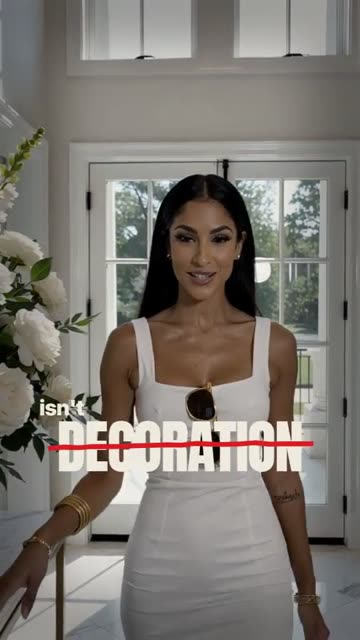
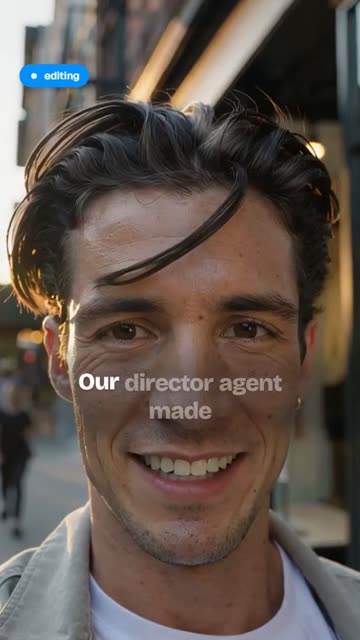
- Named styles: Kinetic Studio, Editorial, Receipts, Broadsheet, Rulebook, Launch Day.
- Fresh styles every week, based on the formats working on social right now.
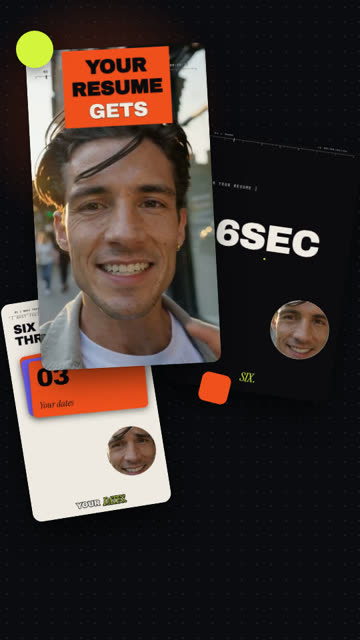 Kinetic Studio
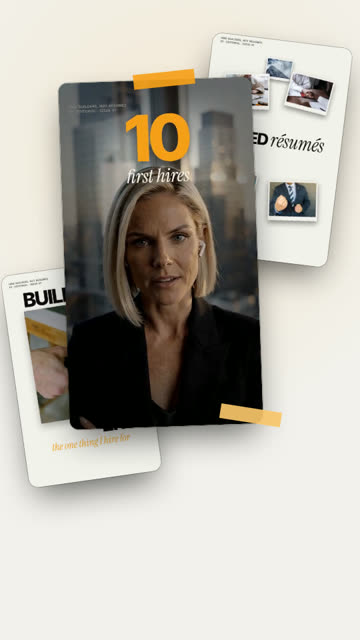 Editorial
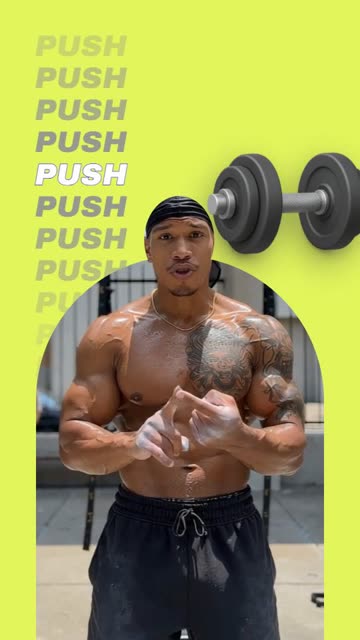 Rulebook
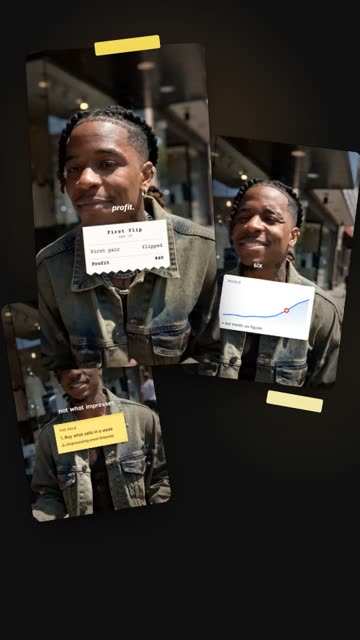 Receipts
 Broadsheet
 Launch Day
Auto-reframe and camera moves
Punch-ins, reframes and transitions on the key lines, with a crop that always keeps you in the frame.
Sound effects and music
Sound effects on the visual hits. Add your own music or a voiceover recorded in the browser; music ducks under speech.
RealTake makes all the editsReview only if you need to.
- Hands-free by default. Turn on review and every video waits for your OK.
- Every edit on a timeline: captions, titles, graphics, b-roll, video and audio lanes.
- Change anything: move, resize, crop, retype a word, swap a clip, add music.
- Changes are free. Credits are only used for the render.
- It learns from your edits. The changes you make and the style you keep shape your next video, so each one needs fewer changes.
PostingLinkedIn, TikTok, Instagram and YouTube, now or scheduled.
- Connect once; disconnect any time.
- One post, every platform you pick.
- Or download the 1080×1920 file.
Tap where it goes.
RealTake features in numbers
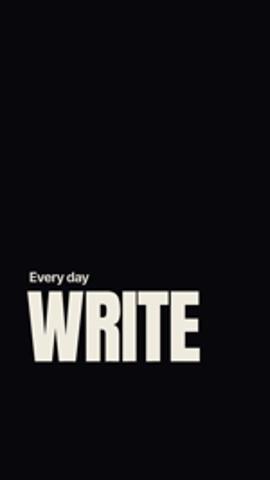
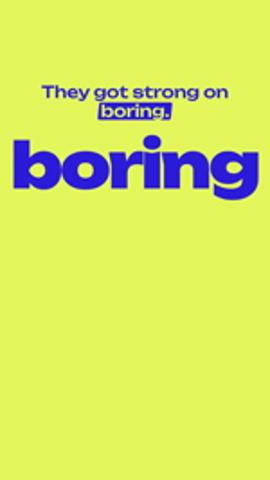
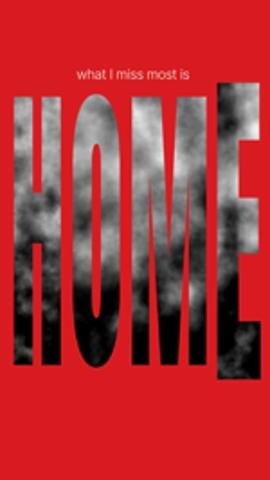
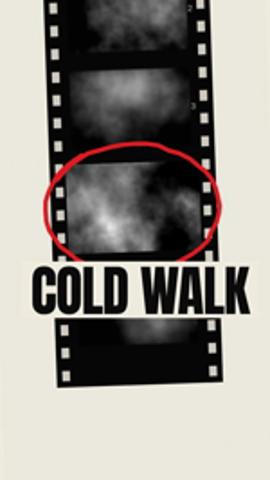
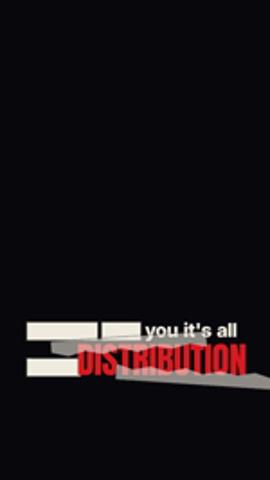
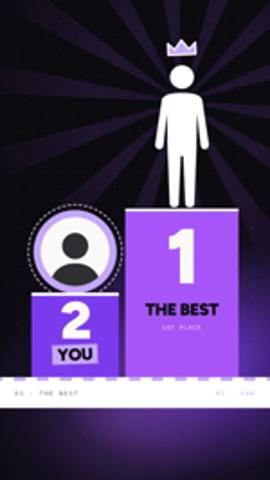
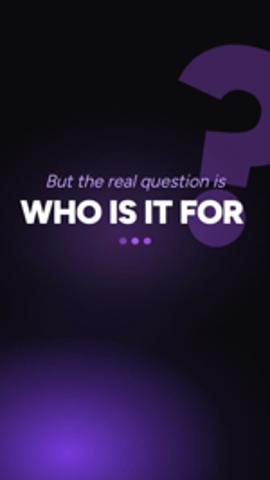
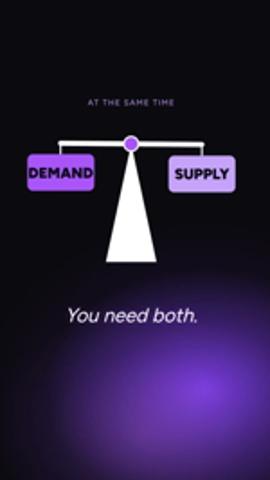
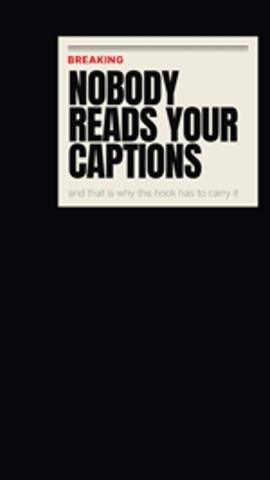
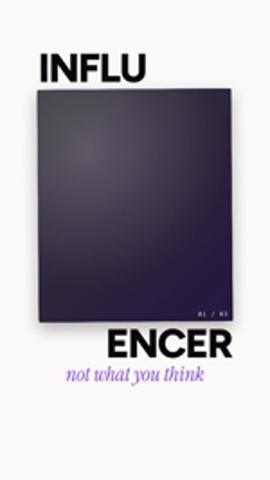
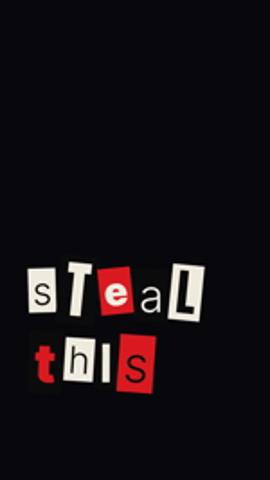
Stat reveals, counters, lists, charts, quotes and kinetic headlines, placed on the moments you talk about them.
What changes by plan
| Starter (free) | Presence | Authority | Empire | |
|---|---|---|---|---|
| Finished videos a month | Up to 5, watermarked | Around 16–32 | Around 38–76 | Around 107–213 |
| Smart cut strength | Low | Full, plus tight pacing | Full, plus tight pacing | Full, plus tight pacing |
| Footage library storage | 2 GB | 10 GB | 30 GB | 100 GB |
| AI-Generated Assets a month | Up to about 12 | About 100 | About 250 | About 560 |
The range depends on video length: shorter videos use less of the plan. Prices and full details are on the pricing page.
FAQs
What features does the RealTake AI video editor have?
What kind of video is RealTake for?
Can RealTake turn a long video into clips?
Do I have to review every edit?
Does RealTake edit my own footage?
Which RealTake features are on the free plan?
Does RealTake post to Instagram or TikTok for me?
Related
How it works
Record yourself talking, upload it and pick a style. RealTake edits it in minutes: cuts, captions, b-roll, motion graphics and sound. Then post it.
Read →Smart cuts
RealTake cuts the rambles, retakes and dead air out of a raw video. Every cut is labeled with its reason and can be reversed in the Studio.
Read →The Studio
The RealTake Studio shows the whole AI edit on one screen. Restore cuts, fix captions, swap b-roll, move any element, then press Continue to render.
Read →Your next video is already on your phone.
Upload it and see it fully edited in minutes.
See your first video — freeFree plan: 5 watermarked videos a month · no credit card