Short form video for events and venues: from the room to posted before the guests have left
Events are the most filmable thing in the world and the least posted. RealTake turns the phone video you shot during setup, the speaker on stage or the room at full swing into finished clips with cuts, captions, graphics and sound, posted while the event is still happening.
RealTake is the AI for short form video that event planners, venues and organisers use to post finished clips during the event, not three weeks after it, without an editor on site.
- Clips during the eventRealTake Live: record the speaker as they talk and have an edited clip on the event's socials before the session ends.
- Every recording becomes clipsDrop the full keynote or panel into Clips. Moments come back with reasons, finished and captioned.
- Posted from the venue floorLinkedIn, TikTok, Instagram and YouTube from RealTake, now or on a schedule.
Works in your phone's browser from the back of the room. Nothing to install.
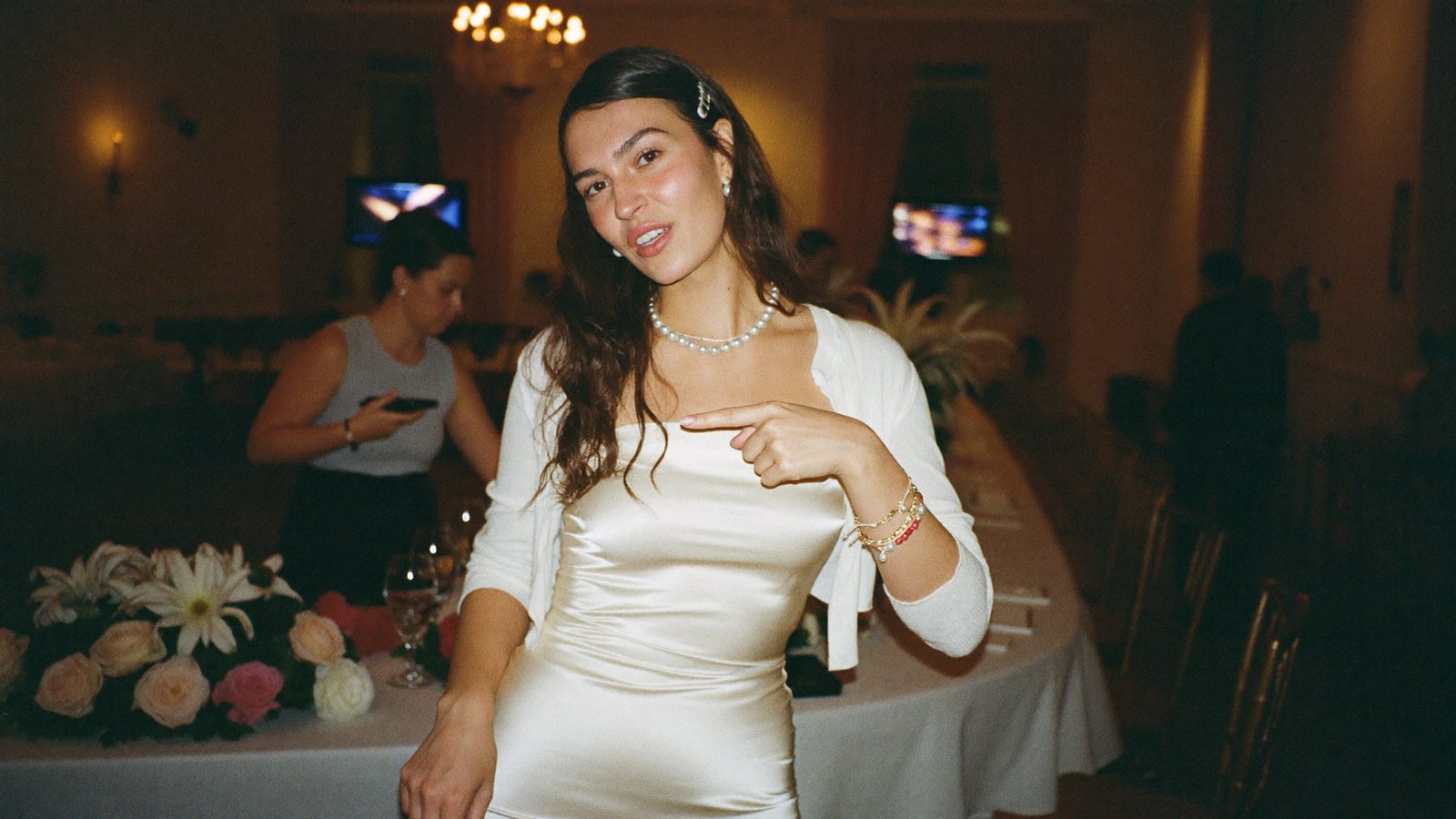
Keynote at 10. Clip on the event account at 10:14.
The planner whose events look incredible in the room and invisible online
An event planner, a venue marketing manager, a conference organiser or a wedding and corporate events business that sells the next event on how the last one looked.
Load-in, run of show, a speaker who is late, a client who wants the recap deck. The content from the day lives on three phones and gets posted, if at all, after the next event has started.
The next booking comes from the last event's footage. Clips posted during and right after the event sell tickets, sponsors and venue hires while the excitement is still real.
What has been stopping you
Four things planners and venue teams tell us.
“The recap comes out three weeks later. Nobody cares by then.”
The footage is great and it is stuck in a camera roll until someone has an evening. By then the moment has passed and so has the next sale.
“We have a 90-minute keynote recording and no one to clip it.”
The session was the best part of the event. Turning it into shareable moments is a job nobody on the team has time for.
“The speaker wants the clip while people are still talking about it.”
Speakers post what you give them, if you give it to them that day. A week later they have moved on.
“Sponsors want proof. Clients want the sizzle. I have one phone.”
Sponsor mentions, venue beauty shots, attendee energy: different clips for different buyers, from one person's footage.
Film the room. RealTake makes the clips while the room is still full.
Post from the back of the room
Record on your phone during the session, upload from the same phone, and the finished clip is ready in minutes. RealTake Live has been run on site at events, with clips edited and posted to the speaker's and event's socials before the session ended.
Finished, not just trimmed
A Director plans the edit: smart cuts remove the dead air, captions land word by word, a title goes on in the first second, sound effects hit the transitions. Post or schedule it to LinkedIn, TikTok, Instagram and YouTube from RealTake.
Drop in the whole keynote
Clips takes the full recording, up to three hours, from an upload or a Drive or Dropbox link. It finds the moments worth posting and explains why each one works. Ask for more on any topic.
Every clip finished and framed
Multi-camera recordings sync by audio. Auto layout follows whoever is talking. Each clip gets the full RealTake edit, captions, b-roll, titles and sound, in 9:16, 4:5, 1:1 or 16:9. You pay only for the clips you make.
Hand the speaker a finished clip the same day
Make the clip, add the speaker's name as a title, post it to the event account and send the file. Speakers repost what looks good, and it looks good.
Your own b-roll, pulled in when you mention it
Upload venue walkthroughs, setup time-lapses and crowd shots once. They are indexed by what is in them, so when the speaker mentions the venue or the crowd, that shot is pulled in automatically.
One recording, three audiences
Make a sponsor cut, a venue cut and an attendee-energy cut from the same footage. Projects keep each event separate; a brand kit gives every clip the event's look.
A coordinator can run it
An assistant or team member can upload videos and review edits using your account. Turn on Studio review to approve every clip before it posts.
Moments with reasons, not a virality score
Drop the keynote, the panel or the workshop into Clips. RealTake reads the whole session and proposes clips that stand on their own: the setup and the payoff together, never cut off mid-thought, each with a one-line reason it works.
- Trim any moment, or make your own by tapping two transcript lines on your phone
- Make them all at once in one style, then schedule the lot
- Finding moments is covered by your plan's minutes; credits go only on the clips you make
What to film this week
Six videos an events team can make from one day on site. Each one passes the only test that matters: would someone who wasn't there watch it?
The room, 30 minutes before doors
Walk it on a gimbal and say what is about to happen. The before shot sells the next event.
The line that made the room laugh
Clip it from the recording. One moment, finished, posted with the speaker's name on screen.
What the setup actually took
Load-in time-lapse plus you talking through the numbers. Counters do the rest.
The sponsor shout, as its own clip
A 20-second cut that the sponsor can post on their own channels. That is next year's renewal.
Three attendees, one question
“What did you come for?” Three answers, cut together. Your library footage fills the gaps.
The venue at night
Lights on, room full, music ducked under you saying what it costs to hire. The booking enquiry video.
One event, six finished clips
Cuts, captions, title, b-roll, graphics and sound on every one, in a style built from what is working on social right now.
How an events team uses it
Record
On a phone during setup, during the session, during the party. Or drop the full session recording into Clips.
Upload
From the same phone, from the venue. A coordinator can do this in your account.
It comes back finished
Cuts, captions, titles, b-roll, graphics and sound, in minutes. Open the Studio to add the speaker's name or swap a shot.
Post or schedule
The event account, the speaker, the venue: LinkedIn, TikTok, Instagram and YouTube from RealTake.
Film the next setup. Post it before doors.
Free plan: 5 watermarked videos a month. No credit card.
Which plan an events business needs
A planner who runs an event a month starts on Presence at $49, around 16 to 32 finished videos and 600 source minutes for Clips. A venue or an organiser clipping every session wants Authority at $99 or Empire at $249, with 1,500 or 4,000 source minutes a month and projects per event. Billed yearly, those are $29, $59 and $149 a month. Every plan has every feature; you see the cost of a video before it is made, failed renders are never charged, and you get an email before any renewal. Full details on the pricing page.
FAQs
What is the best AI tool for short form video for events?
Can RealTake clip a full keynote recording?
Can clips go out during the event?
Can I give the speaker their clip?
Can a coordinator run the account on the day?
Related
Industries
Short form video, industry by industry: the pains, the videos to record this week, and why RealTake is the platform for your business. Thirty industries.
Read →Events
RealTake Live for conferences and events: speakers recorded as they talk, clips finished within minutes and posted to their socials before the session ends.
Read →Best AI clipping tool 2026
Best AI clipping tool in 2026? Opus Clip, Vizard, Munch and Riverside hand you cuts you still have to edit. RealTake hands you finished, posted clips.
Read →The next event is already on your phone.
Upload the footage. It comes back finished.
See your first video — freeFree plan: 5 watermarked videos a month · no credit card