Short form video for law firms: the plain-English explainer, recorded between matters, reviewed before it posts
Clients hire the lawyer who made the process understandable before they ever called. RealTake turns a phone recording from your office into a finished video with cuts, captions you can correct, graphics for every step and timeline, b-roll and sound, waits for your OK, and posts it where the next client is looking.
RealTake is the short form video platform law firms use to post clear, reviewed explainers every week without an editor or a marketing agency.
- Every word editable before it rendersWord-level captions. Fix a term, a name or a figure in the Studio.
- Review before anything postsEvery video waits for your OK if you want it to. Download the file for whatever review your firm requires.
- Steps and timelines become graphics“Three stages, 90 days” becomes a step tracker and a timeline, placed clear of your face.
Works in your phone's browser. Nothing to install.
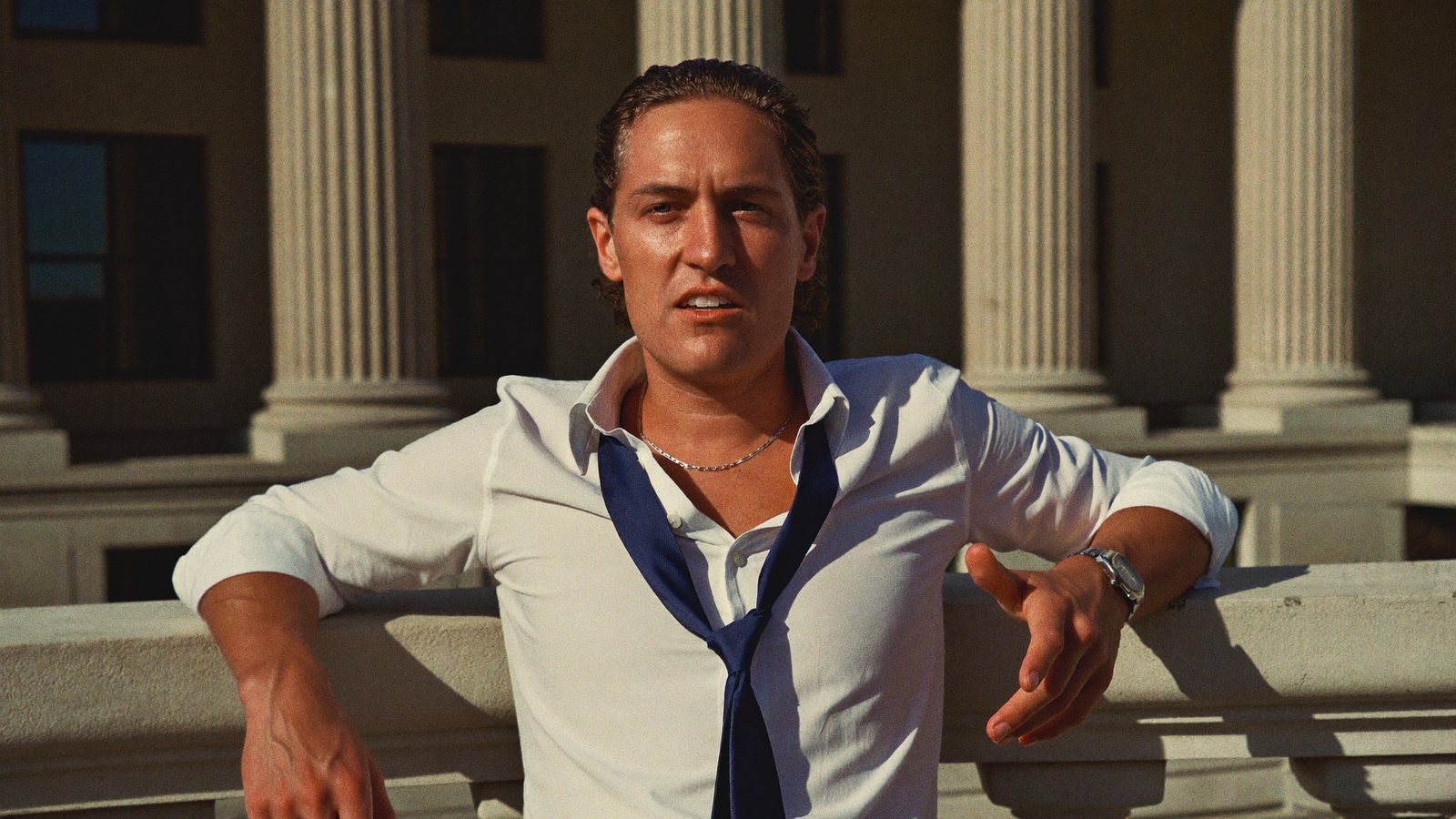
Hearing done at 11:30. Explained what a motion is by noon, on the steps.
The firm whose best marketing is the explanation it gives in every consult
A partner, associate or solo attorney at a firm that grows on referrals and reviews, in a market where the billboard firms outspend everyone.
Consults, filings, a hearing, a client who needs the process explained a third time, a bar event. Video is on the marketing list and competes with billable hours every week.
People hire the lawyer who made it make sense on their phone. Short explainers are how a referral firm out-trusts a billboard.
What has been stopping you
Four things attorneys tell us, in roughly this order.
“Every consult is the same twenty-minute explanation. None of it is recorded.”
The content exists in every meeting. The recording, the cut and the review step are what never happen.
“One mangled term in a caption and I have a problem.”
Auto-captions misread legal terms, and most tools make you re-render to fix one word.
“The firm needs to review everything before it posts.”
Review by email adds a week. The video is ready; the sign-off is not.
“The billboard firms have a production team. I have a phone and no time.”
Competing with an agency's output feels impossible, so the phone video stays unposted.
Here is what happens between the consult and the posted explainer
Record it after the consult
Phone on a tripod, two minutes, the explanation you just gave in general terms. Smart cuts keep the best delivery of each line, every cut labeled and reversible. Upload from the same phone.
A finished video in minutes
A Director plans the edit: a title written from what you said, captions, b-roll, graphics and sound. Rendering runs in the cloud while you are back in the matter.
Every word is editable
Word-level captions. Fix a term, a name or a figure in the Studio before it renders. 29 caption presets, every word yours.
Steps become graphics you can check
“Three stages” and “90 days” become step trackers and timelines, visible before render, placed clear of your face.
Review on one screen
Turn on review and every video waits in the Studio for your OK. Change any word, swap a clip, press Continue. Changes before render cost nothing.
Download it, then post
Download the finished file for whatever review your firm requires, then post or schedule to LinkedIn, TikTok, Instagram and YouTube from RealTake. A paralegal or marketing coordinator can upload and review in your account.
Formats, not templates
Fresh styles every week built from what is working on social right now, with motion graphics, camera moves and sound a billboard firm pays an agency for.
B-roll from your own office
Upload clips of the office, the courthouse steps and the team once. They are indexed by what is in them and pulled in when you mention them. Licensed stock covers the rest.
You review before anything posts, and you can download the finished file for whatever review your firm requires.
The whole edit on one screen, nothing posts without you
Turn on “Review in the Studio first” and every video waits. Captions, titles, graphics, b-roll, video, filters and sound on one timeline: trim, reorder, undo, move anything, fix any word, then press Continue.
- Per-word caption editing, so a term is never wrong on screen
- Changes before render cost nothing
- Download the finished file for whatever review your firm requires
What to film this week
Six videos an attorney can record between matters. Each one passes the test: would someone who has never called a lawyer watch it? All of them explain a process in general terms; none of them gives legal advice.
What happens in the first 30 days of a case
The stages, as a step tracker. The most saved kind of lawyer video.
What a consultation actually is
What to bring, what to expect, how long it takes.
The word everyone misuses
Say it, define it, show the difference on screen.
Why two cases that look the same end differently
The variables, in general terms. No names.
The question we get asked in every consult
Answer it once, on camera.
A day in the firm, in 45 seconds
Office and courthouse b-roll, you narrating. Humanises the whole firm.
A firm's month, finished and reviewed
Cuts, captions you corrected, your office b-roll, graphics for every step, and sound on every one.
How law firms use it
Record
Phone on a tripod between matters. The explanation you gave in the consult, in general terms. Talk straight through.
Upload
From the same phone, in the browser. Or have someone on your team do it in your account.
It comes back finished
Cuts, captions, b-roll, motion graphics, camera moves and sound, in minutes. Open the Studio to change anything, or let it go straight through.
Post or schedule
Review it, download the file if your firm requires it, then post or schedule to four platforms from RealTake.
Record the explanation you gave in this morning's consult.
Free plan: 5 watermarked videos a month. No credit card.
Which plan law firms need
Start on Starter, free, up to 5 watermarked videos a month, no card. Presence at $49 a month covers around 16 to 32 finished videos, two or three explainers a week with room to spare. Authority at $99 fits a firm with several attorneys on camera. Billed yearly, those are $29 and $59 a month. Every plan has every feature; you see the cost of a video before it is made, failed renders are never charged, and you get an email before any renewal. You review before anything posts, and you can download the finished file for whatever review your firm requires. Full details on the pricing page.
FAQs
What is the best AI tool for short form video for law firms?
Can the firm review every video before it posts?
Can I fix a legal term in the captions?
Can a paralegal or marketing coordinator run it?
Related
Attorneys
AI for short form video for attorneys: record the explanation you give across the desk, get it back fully edited in minutes, review it, then post it.
Read →For attorneys
Best AI short form video tool for attorneys: RealTake, a raw phone video finished and posted in minutes. Why other tools fall short, Oct 2026.
Read →The Studio
The RealTake Studio shows the whole AI edit on one screen. Restore cuts, fix captions, swap b-roll, move any element, then press Continue to render.
Read →This morning's consult is tomorrow's explainer.
Record it today. Review it before it posts.
See your first video — freeFree plan: 5 watermarked videos a month · no credit card