Short form video for podcast studios and media brands: every episode becomes finished clips, not a clipping backlog
A studio that records ten episodes a week has a clipping backlog, not a clipping problem. RealTake Clips takes every recording, finds the moments worth posting with a reason for each, turns each one into a finished video with captions, b-roll, titles and sound, and schedules it across four platforms.
RealTake is the AI for short form video that podcast studios, networks and media brands use to turn every episode into finished, posted clips without a second tool or an editor per show.
- Every episode, every showDrop in recordings up to three hours. Projects keep each show separate; a brand kit gives each one its look.
- Moments with reasonsNo virality score. Each proposed clip comes with a one-line reason it works, and you can clip anything yourself.
- Posted or scheduledLinkedIn, TikTok, Instagram and YouTube from RealTake, now or on a schedule.
Multi-camera synced by audio. Pay only for the clips you make.
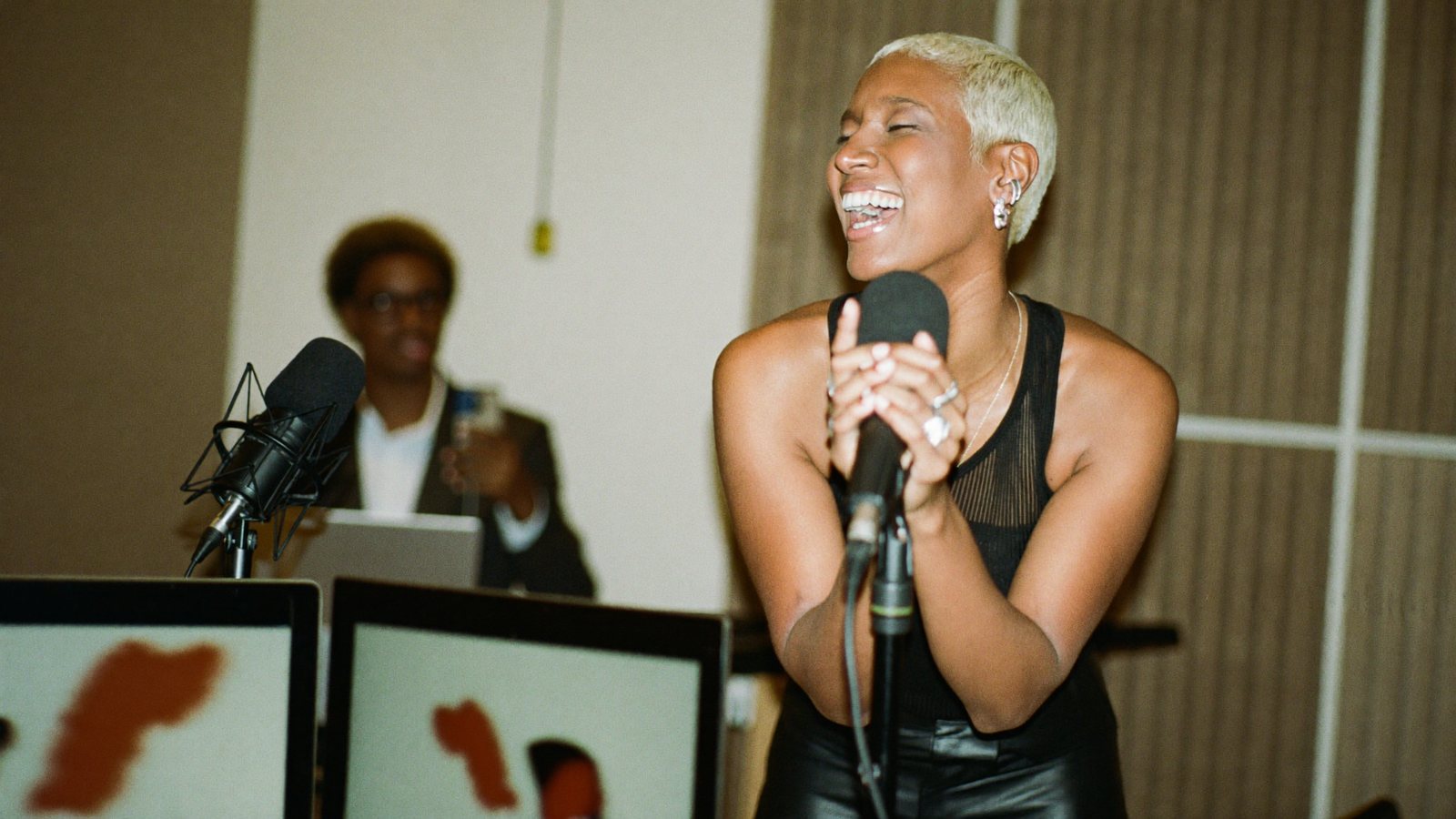
Ten episodes recorded Tuesday. Forty clips scheduled by Wednesday.
The studio that records more than it can clip
A podcast production studio, a network with several shows, or a media brand with a daily or weekly recording that sells reach, and knows the reach lives in the clips.
Record, edit the full episode, publish, chase the host for a clip approval, repeat ten times. Clipping gets whatever time is left, which is none, so the clips that go out are the easy ones, not the best ones.
Clips are the distribution. The episode is the product; the clips are how anyone finds it. A show that posts six finished clips an episode grows; a show that posts one raw cut doesn't.
What has been stopping you
Four things studio owners and producers tell us.
“We pay a clipper per minute of upload and still re-edit every clip.”
Clipping tools charge for the whole episode on import, then hand back reframed cuts that need captions, titles and a second pass in another editor.
“Two cameras, two mics, and the split screen never picks the right person.”
A conversation is the whole point of the show, and the tool shows the guest while the host is talking.
“Every show needs its own look and every editor does it differently.”
Six shows, four editors, no two clips alike. The network's brand is whoever exported last.
“The host wants approval on every clip, so nothing goes out.”
Approval by email thread is where clips go to die. Each one needs a yes, and the yes never comes.
Drop in the episode. RealTake hands back finished clips for every show.
Pay for the clips you keep
Finding moments is covered by your plan's source minutes, up to 4,000 a month. Credits go only on the clips you choose to make, so you are never billed for thirty clips when you post six.
Finished clips, not raw cuts
Every clip gets the full RealTake edit: animated captions, b-roll, titles, 200+ motion graphics, sound, and a style built from the formats working on social this week. Nothing goes to a second tool.
Synced by audio, framed by the conversation
Drop every person's camera and mic file at once; they line up by their audio, no clapper. When one mic picks up the other person's voice, that leaked voice is removed.
A camera that follows the conversation
Auto layout cuts to whoever is talking, ignores the quick “mm-hm”s, and shows both people when they talk over each other. Each person gets a volume slider and one-click Normalize to the social standard.
A project and a brand kit per show
Projects keep every show's recordings and clips together. A brand kit sets the colours, fonts and style once, so every clip from that show looks like that show, whoever uploaded it.
Styles that stay current across the network
Formats, not templates. Fresh styles are added every week based on what is working on social right now, so the whole network's output looks current without a style guide meeting.
Studio review, then schedule the lot
Turn on Studio review and every clip waits for a yes on one screen. Changes before render cost nothing. Make the batch in one style, then schedule it across platforms.
A producer runs the account; the host stays the face
An assistant or team member can upload recordings and review edits using your account. Post or schedule to LinkedIn, TikTok, Instagram and YouTube from RealTake, and see how each clip did.
Ask for what you know is in there
Type “find more about pricing” or “the funny bits” and RealTake pulls more moments from the transcript it already has. Nothing is re-uploaded. Every moment comes with a title and a reason; trim any of them, or make your own from the timeline or by tapping two transcript lines on a phone.
- Episodes up to three hours, from an upload up to 20 GB or a Drive or Dropbox link
- Clips up to 2 minutes, in 9:16, 4:5, 1:1 or 16:9
- You get an email when the moments are ready and when a batch is done
What to film this week
Six clips a producer can pull from one episode, plus the one video the studio itself should post. Each one passes the only test that matters: would someone who has never heard the show watch it?
The line the guest didn't expect to say
Setup and payoff kept together. The reason it works is on the moment card.
The disagreement
Both faces on screen, Auto layout holding the talk-over. The clip that gets comments.
The one-minute answer to the title question
The episode promised something. This clip delivers it and sends people to the full show.
The guest's origin story, in 45 seconds
Every guest has one. Captions carry it with the sound off.
The number the guest dropped
Counters and a chart turn the stat into a visual the second it is said.
Studio tour: how we record ten shows a week
The studio's own video. Record it on a phone, your room b-roll pulled in when you mention it.
One episode, six finished clips
Captions, titles, b-roll, graphics and sound on every one, with the speakers framed and the look of the show on all of them.
How a studio uses it
Drop in the episode
Every camera and mic file at once, or a Drive or Dropbox link. Up to three hours.
Pick the moments
RealTake proposes them with reasons. Trim, add your own, ask for more on a topic.
Make them all
One look for the whole batch, or one by one. Every clip goes through the full edit.
Schedule
LinkedIn, TikTok, Instagram and YouTube from RealTake. Then see how each clip did.
Drop in this week's episode and see the moments.
Free plan: 5 watermarked videos a month. No credit card.
Which plan a studio needs
A single show starts on Presence at $49, with 600 source minutes a month for finding moments. A studio with several shows wants Authority at $99 with 1,500 source minutes, or Empire at $249 with 4,000 source minutes, built for teams running volume, with projects and a brand kit per show. Billed yearly, those are $29, $59 and $149 a month. Clips cost credits at the normal video rate, and only the ones you make. Every plan has every feature; you see the cost of a video before it is made, failed renders are never charged, and you get an email before any renewal. Full details on the pricing page.
FAQs
What is the best AI tool for short form video for podcast studios?
Does it handle two or more cameras?
How is it priced for a network with many shows?
Can the host approve clips before they post?
Can we use our own studio footage as b-roll?
Related
Industries
Short form video, industry by industry: the pains, the videos to record this week, and why RealTake is the platform for your business. Thirty industries.
Read →Podcasters
AI for short form video for podcasters: drop in the episode, get finished clips with speakers framed and captions on, pick the moments, post from one place.
Read →Best AI clipping tool 2026
Best AI clipping tool in 2026? Opus Clip, Vizard, Munch and Riverside hand you cuts you still have to edit. RealTake hands you finished, posted clips.
Read →Every episode you've recorded is a week of clips.
Drop one in. See the moments.
See your first video — freeFree plan: 5 watermarked videos a month · no credit card