How RealTake works: raw video in, fully edited video out
Record yourself talking and upload the video. RealTake plans the edit, builds it and hands you a finished video in minutes, ready to post.
Record yourself talking, upload the video and pick a style. RealTake edits it in minutes: cuts, captions, b-roll, motion graphics and sound. Then post or schedule it to LinkedIn, TikTok, Instagram and YouTube.
From raw video to posted, one real edit
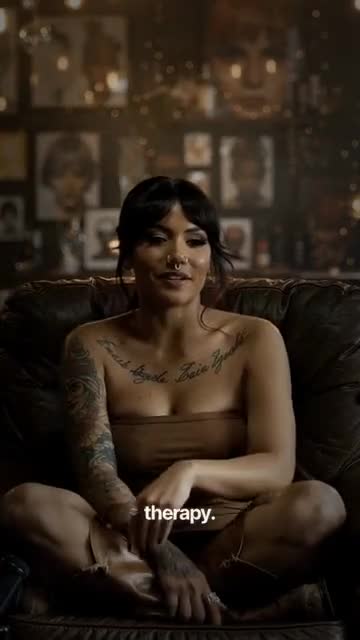
A tattoo artist’s raw phone video, edited in the Velvet Negative style. Scroll to follow it through every step.
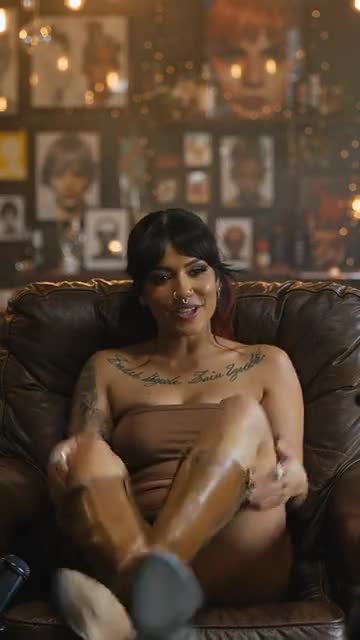
Record and upload
Talk to your phone camera. Stumble, say the line again and keep going. RealTake keeps the best delivery of each line and cuts the rest.
Upload the video from your phone or your computer. MP4, MOV or AVI.
Pick a style
One choice sets the captions, titles, graphics, camera moves and sound for the whole video. Leave it on Auto and RealTake picks for you.
You see the cost in credits before anything is made.
RealTake plans and builds the edit
It reads your video, finds the hook, plans the pacing and screens footage for b-roll. Then it builds the edit: smart cuts, word-by-word captions, a title in the first second, b-roll, motion graphics, camera moves and sound effects.
It runs in the background, so you can upload your next video while this one is made.
Your finished video is ready
Minutes later you have a finished 1080p vertical video. This one has an ink-reveal transition, a hook title over b-roll, word-by-word captions, a punch-in, an accent word and a quote motion graphic, each timed to what was said.
Want to change something? Open it in the Studio, change anything and render again.
Post it
Pick LinkedIn, TikTok, Instagram and YouTube and post now or schedule it. One post goes to every platform you pick.
Or download the 1080×1920 file and post it anywhere.
It teaches you, and learns from you
Every finished video comes with editor’s notes: the edits RealTake made, the editing time you saved, a score for your hook, content and pacing, and one thing to try next time.
It works the other way too. RealTake learns from the edits you make and the style you keep, so every video needs fewer changes than the last.
Choose a video
Drop your video here and let RealTake trim, caption and enhance it.
Customize your video
Pick a style. RealTake takes it from there to the finished video.
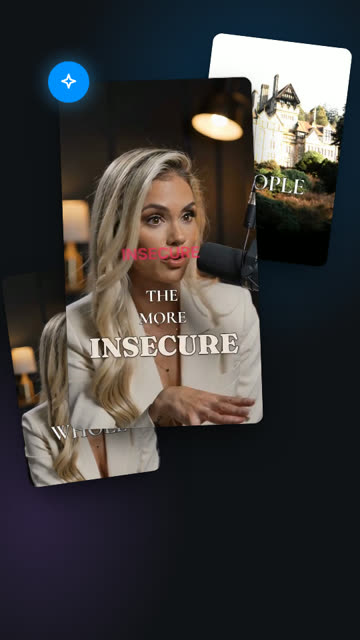 Auto
Auto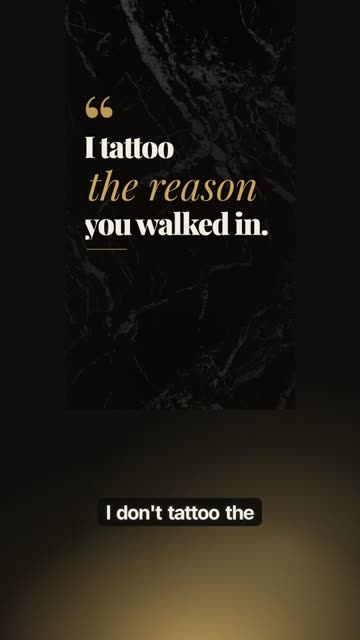 Velvet Negative✓
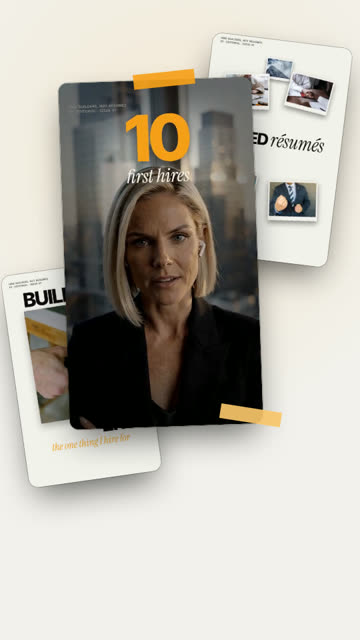 Editorial
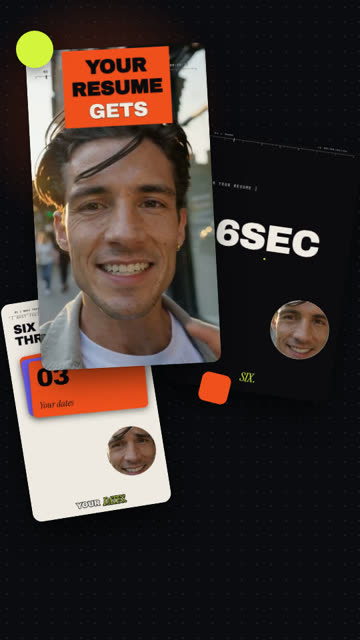 Kinetic Studio
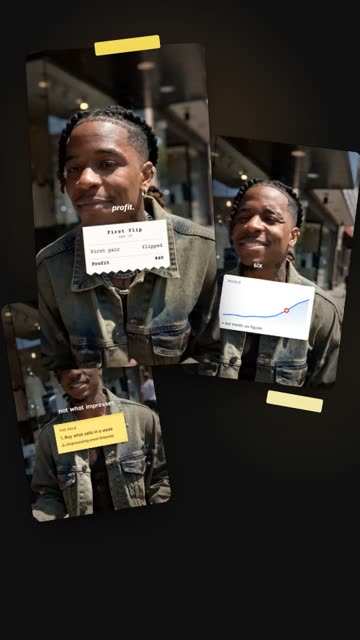 Receipts
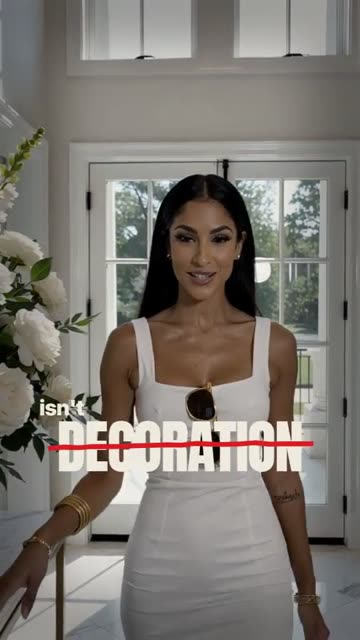 Broadsheet
Reading the roomPutting it all together
Hunting for the moments that matter, the perfect b-roll, camera moves in your video.Fusing captions, b-roll, effects, sound into your final cut.
Screening footage for tattoo artist at work
 ✓
✓
 ✓
✓Thinking out loud
Your video is ready
Velvet Negative · every edit, as it happens
- Ink-reveal transition
- Hook title over b-roll
- Word-by-word captions
- Punch-in
- Accent word
- Transition
- Quote motion graphic
of editing you didn't have to do
That's 2 movie nights, back.
- CC24Captions
- T1Hooks & titles
- ✦1Motion graphics
- ▣3B-roll
- ◎2Reframes
“A warm, honest take on why people really get tattoos
Hands-free by default. The Studio when you want it.
Reviewing is a setting, not a step. Pick the one that fits how you work.
Hands-free
Your video goes straight to the finished render. Nothing waits for your approval.
- Upload, pick a style, post
- Open any video in the Studio afterwards to change it
- Best when you post often
 Raw
RawReview in the Studio first
Every video waits in the Studio for your OK before it renders.
- The whole edit on one timeline: captions, titles, graphics, b-roll, camera moves, sound
- Changes cost nothing. Credits are used for the render
- Useful when someone signs off on every post
What you need, how long it takes, what it costs
What you need
A phone video of you talking, in English, and a browser. No editing software and no editing experience. The whole flow works in a phone browser.
How long it takes
Minutes. Rendering runs in the background, so you can upload the next video while one renders. If you disconnect, the job picks up where it stopped.
What it costs
The free plan makes up to 5 watermarked videos a month, with no credit card. Paid plans work out at about two dollars a finished video, and you see the exact cost before a video is made.
See pricing →Try it with one video
Free plan: 5 watermarked videos a month. No credit card.
FAQs
How do I turn a raw video into a finished video with AI?
How long does RealTake take to edit a video?
Do I have to review every video?
Do I need video editing experience to use RealTake?
Do I have to record a perfect video?
Can I do it all from my phone?
Does RealTake post the finished video for me?
Is RealTake free to try?
Related
All features
Every RealTake feature in one place: smart cuts, AI captions, your b-roll library, HyperHook, motion graphics, sound, posting and the Studio.
Read →The Studio
The RealTake Studio shows the whole AI edit on one screen. Restore cuts, fix captions, swap b-roll, move any element, then press Continue to render.
Read →Smart cuts
RealTake cuts the rambles, retakes and dead air out of a raw video. Every cut is labeled with its reason and can be reversed in the Studio.
Read →Your next video is already on your phone.
Upload it and see it fully edited in minutes.
See your first video — freeFree plan: 5 watermarked videos a month · no credit card