Short form video for dental practices: the what-to-expect video, recorded between patients, reviewed before it posts
People pick the dentist whose office they have already seen on their phone. RealTake turns a recording from the suite into a finished video with cuts, captions you can correct, your practice as b-roll, graphics and sound, waits for your OK, and posts it where the next patient is looking.
RealTake is the short form video platform dental practices use to post clear, reviewed office and what-to-expect videos every week without an editor.
- The office is the contentRooms, team, equipment and process as b-roll. No patients on camera needed.
- Review before anything postsEvery video waits for your OK if you want it to. Download the file for whatever review your practice requires.
- Posted where patients lookInstagram, TikTok, YouTube and LinkedIn from RealTake, now or on a schedule.
Works in your phone's browser. Nothing to install.
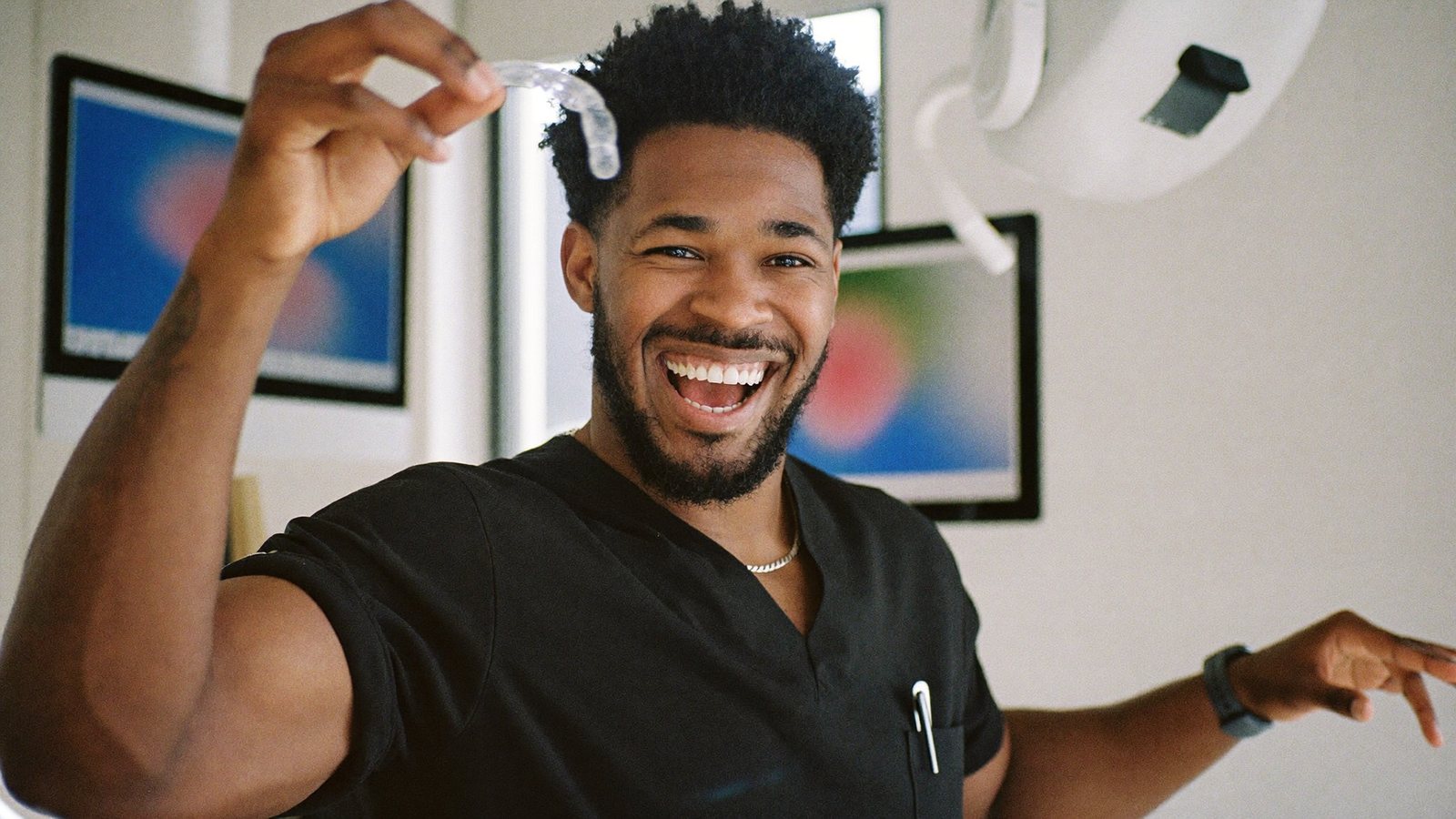
Last patient at 5. Office tour posted at 5:15, from the suite.
The practice whose best marketing is the way it explains a visit
A practice owner, associate dentist, orthodontist or office manager at a practice that grows on reviews and word of mouth, in a market where the DSO down the road buys the ads.
A full book, a hygienist who is great on camera and never asked, a new service to announce, a patient who is nervous about the first visit. Video is on the list and slips every week.
Nervous patients book the practice that showed them the room first. Short what-to-expect videos are how a local practice out-trusts a chain.
What has been stopping you
Four things dental practices tell us, in roughly this order.
“New patients are nervous and we have nothing to send them.”
A what-to-expect video would calm half of them. Recording and editing one is the afternoon that goes to patients.
“Everything we post gets reviewed, so nothing gets posted.”
Review by email adds a week. The video is ready; the sign-off is not.
“We can't film patients, so the feed is stock photos.”
The suite, the team and the process are the content, and nobody has turned them into video.
“The DSO has a content team. We have a hygienist with an iPhone.”
Which is all you need, if the editing is handled.
Here is what happens between the suite and the posted video
Record the first-visit explainer once
Phone on a tripod in the suite, ninety seconds, what happens at the first visit. Smart cuts keep the best delivery of each line, every cut labeled and reversible.
Send it before the appointment
Each video comes back finished in minutes, a 1080p file the front desk can send to every new patient, as well as post from RealTake.
Review on one screen
Turn on review and every video waits in the Studio for your OK. Change any word, swap a clip, press Continue. Changes before render cost nothing.
Download it, then post
Download the finished file for whatever review your practice requires, then post or schedule to Instagram, TikTok, YouTube and LinkedIn from RealTake. The office manager can upload and review in your account.
The suite as b-roll
Upload clips of the rooms, the equipment and the team once. They are indexed by what is in them and pulled in when you mention them. Licensed stock covers the rest; no patients needed.
Steps become graphics
“Three visits” and “45 minutes” become step trackers and counters, visible before render, placed clear of your face. Every word of the captions is editable.
Formats, not templates
Fresh styles every week built from what is working on social right now, with motion graphics, camera moves and sound a chain pays an agency for.
The hygienist with an iPhone is enough
Real team, real rooms, real explanations. The whole flow works in the phone's browser. Nothing to install.
You review before anything posts, and you can download the finished file for whatever review your firm requires.
Say “the hygiene room” and the hygiene room appears
Upload clips of the practice once. RealTake indexes every clip by what is in it and pulls the right one in when you mention it. Licensed stock and approved AI-generated visuals cover the gaps.
- No patients on camera needed: rooms, equipment, team, process
- Library storage grows with every upload: 2 GB free, 10 / 30 / 100 GB on paid plans
- Brand kits keep fonts and colours consistent across every video
"…which is why I make everyone start with push-ups—"
What to film this week
Six videos a dental practice can record between patients. Each one passes the test: would a nervous new patient watch it? All of them explain a visit or the office; none of them discusses a diagnosis or a treatment outcome.
What your first visit looks like
Arrival to leaving, as a step tracker. Send it with every new-patient confirmation.
Office tour in 45 seconds
Every room, one line each, the team waving.
Meet the hygienists
Each person, one line, in the rooms they work in.
How long a cleaning actually takes
Counters for each stage. The most asked question, answered.
How we set up a room between patients
Process content builds trust faster than anything.
What to do if you are nervous
What the team does to help, in general terms. The most shared kind of dental video.
A practice's month, finished and reviewed
Cuts, captions you corrected, your suite as b-roll, graphics and sound on every one.
How dental practices use it
Record
Phone on a tripod in the suite between patients. What to expect, in general terms. Talk straight through.
Upload
From the same phone, in the browser. Or have someone on your team do it in your account.
It comes back finished
Cuts, captions, b-roll, motion graphics, camera moves and sound, in minutes. Open the Studio to change anything, or let it go straight through.
Post or schedule
Review it, download the file if your practice requires it, then post or schedule to four platforms from RealTake.
Record the first-visit explainer once. Send it to every new patient.
Free plan: 5 watermarked videos a month. No credit card.
Which plan dental practices need
Start on Starter, free, up to 5 watermarked videos a month, no card. Presence at $49 a month covers around 16 to 32 finished videos, the whole what-to-expect library in a month. Authority at $99 fits a practice with several people on camera. Billed yearly, those are $29 and $59 a month. Every plan has every feature; you see the cost of a video before it is made, failed renders are never charged, and you get an email before any renewal. You review before anything posts, and you can download the finished file for whatever review your firm requires. Full details on the pricing page.
FAQs
What is the best AI tool for short form video for dental practices?
Can the practice review a video before it posts?
Do we need patients on camera?
Can the office manager run it?
Related
Healthcare clinics
Short form video for clinics and practices: record a what-to-expect video in the hallway, get it back edited and reviewed, post it where patients look.
Read →Salons and beauty
AI for short form video for salons, barbers, lash and nail studios: film at the chair, get a finished vertical video in minutes, post before the next client.
Read →Automatic b-roll
RealTake adds b-roll to talking-head video from your own indexed footage, licensed stock, or AI generation. Mention something you filmed and the clip appears.
Read →Your next new patient wants to see the room first.
Record the tour today. It comes back finished.
See your first video — freeFree plan: 5 watermarked videos a month · no credit card